# Testimonials: Parallax

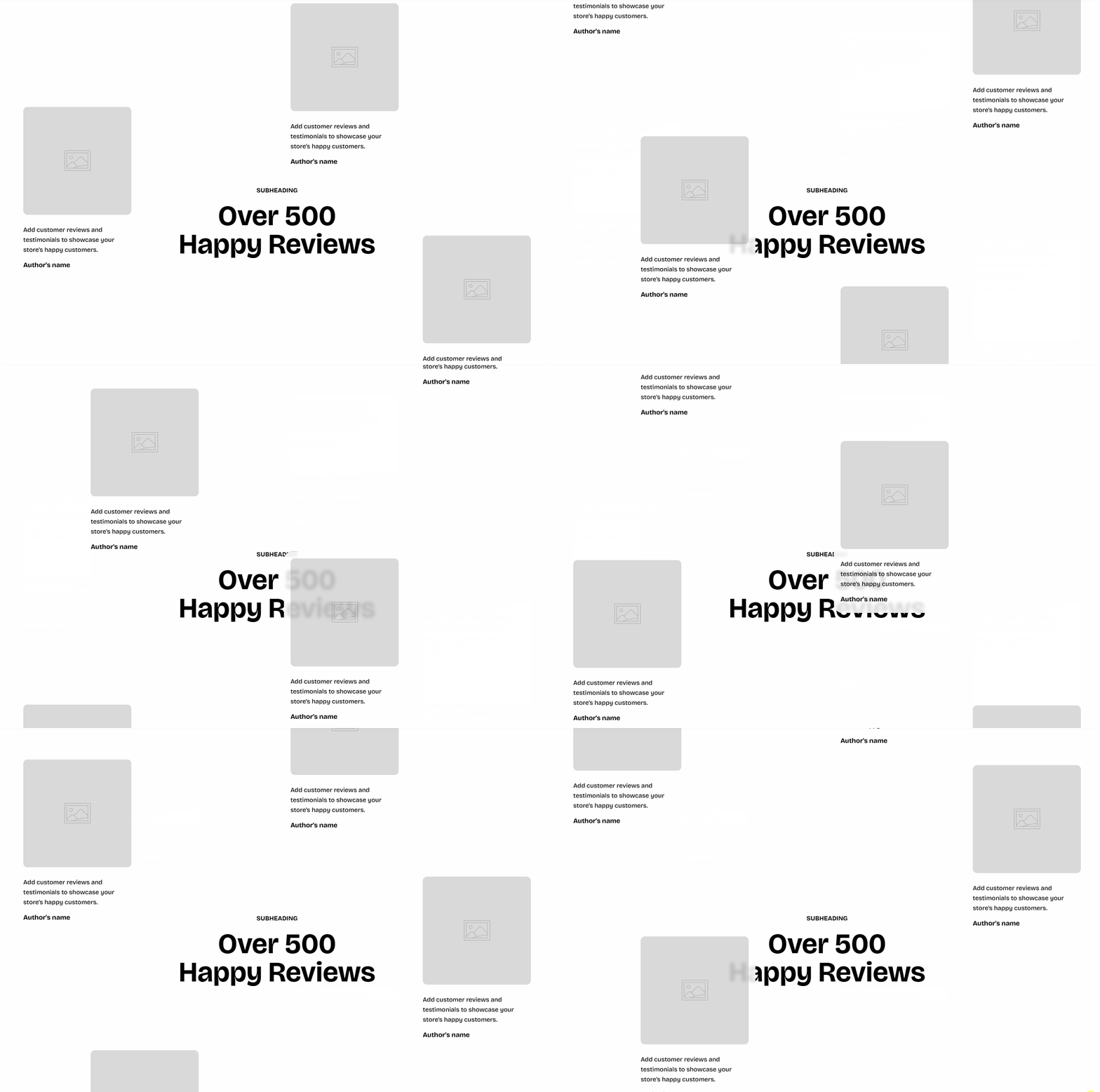
Show customer reviews in a staggered layout that moves as customers scroll, so photo-rich reviews feel lively and premium. Each review can include a photo, the review text, the reviewer's name, and a related product.
## How to customize the Testimonials: Parallax section
1. Open the page where you want to display the section in the theme editor by clicking **Edit theme**.
2. Click **Add section**.
3. Select **Testimonials: Parallax**.
4. Click the **Section header** block to edit the heading content.
5. Click a **Testimonial** block. To add another review, click **Add block** under the section and select **Testimonial**.
6. Click **Select** next to **Image** to add the review photo.
7. Click the **Text** block inside the testimonial to enter the review.
8. Click the **Information** block inside the testimonial to enter the reviewer's name and bio.
9. Repeat steps 5–8 for each review.
10. Click **Save**.
## Section settings
### Appearance
| Setting | Description | Options |
| ---------------- | ----------------------------------------------------------------------------------------------------------------- | :-------------------------------- |
| **Color scheme** | Applies a theme color scheme to the section. Learn more in [Colors](https://docs.foxecom.com/pebble-theme/theme-settings/colors). | Select an available color scheme. |
### Padding
Controls the top and bottom spacing separately for desktop and mobile.
| Setting | Description | Options |
| ----------- | ------------------------------------------------------------- | :------------------------- |
| **Devices** | Selects which device-specific padding values you are editing. | **Desktop** or **Mobile**. |
| **Top** | Controls the space above the section content. | **0–100px**. |
| **Bottom** | Controls the space below the section content. | **0–100px**. |
## Blocks
The section includes one **Section header** block and multiple **Testimonial** blocks.
### Section header
The **Section header** block holds the heading content above the reviews. It has no settings of its own. Learn more in [Section header](https://docs.foxecom.com/pebble-theme/theme-blocks/section-header).
The default **Section header** includes **Subheading** and **Heading** blocks. To add more, click **Add block** inside the **Section header** and select one of these blocks:
* [**Heading**](https://docs.foxecom.com/pebble-theme/theme-blocks/text): Displays the main title of the section.
* [**Text**](https://docs.foxecom.com/pebble-theme/theme-blocks/text): Displays additional descriptions or details.
### Testimonial

Each [**Testimonial**](https://docs.foxecom.com/pebble-theme/theme-blocks/testimonial) block shows one review card, with an optional photo and a related product.
| Setting | Description | Options |
| ----------------------------- | ------------------------------------------------------------ | ------------------------------------------------------------ |
| **Show image** | Controls whether a photo is shown in the card. | **On** or **Off**. |
| **Image** | Sets the review photo. | Select or upload an image, or click **Explore free images**. |
| **Keep image away from edge** | Adds space between the photo and the outer edge of the card. | **On** or **Off**. |
| **Corner radius** (Image) | Controls how rounded the photo corners are. | **0–32px**. |
| **Product** | Selects a product to show with the review. | Select a product from your store. |
| **Color scheme** | Sets the color scheme of the card. | Select an available color scheme. |
| **Corner radius** | Controls how rounded the card corners are. | **0–32px**. |
Each **Testimonial** includes two built-in blocks: **Text** and **Information**.
#### Text
The **Text** block shows the review. [*See the **Text block documentation** for all available settings*](https://docs.foxecom.com/pebble-theme/theme-blocks/text).
| Setting | Description | Options |
| -------------------- | ------------------------------------------------------------------------------------------------------------------ | --------------------------------------------------------------------- |
| **Text** | Sets the review text. To add an animated highlight, wrap the text in italics using the **I** button in the editor. | Enter your text. |
| **Highlight style** | Applies an animated highlight effect to the italic text. | **None, Standard, Wavy underline,** or **Solid background**. |
| **Preset** | Sets the typography style of the review. | Choose a preset style |
| **Color** | Sets the color of the review text. | **Text** or **Subtext**. |
| **Top** | Controls the space above the review. | **0–100px**. |
| **Bottom** | Controls the space below the review. | **0–100px**. |
| **Mobile scale** | Scales the padding on mobile. | **20–100%**. |
| **Type** (Animation) | Sets the entrance animation of the review. | **None, Fade in, Fade up, Slide in (left),** or **Slide in (right)**. |
#### Information
The **Information** block shows who wrote the review.
| Setting | Description | Options |
| ------------------ | ----------------------------------------- | ------------------------------------------------------------ |
| **Image** (Avatar) | Sets the reviewer's avatar. | Select or upload an image, or click **Explore free images**. |
| **Width** | Sets the avatar width on desktop. | **30–100px**. |
| **Width mobile** | Sets the avatar width on mobile. | **30–100px**. |
| **Text** (Name) | Sets the reviewer's name. | Enter your text. |
| **Preset** | Sets the typography style of the name. | **Heading 5** or **Heading 6**. |
| **Icon** | Sets the icon shown next to the bio. | Select an icon, such as **Check circle**. |
| **Text** (Bio) | Sets a short line about the reviewer. | Enter your text, such as **Verified Buyer**. |
| **Color** | Sets the color of the bio. | **Text** or **Subtext**. |
| **Top** | Controls the space above the information. | **0–100px**. |
| **Bottom** | Controls the space below the information. | **0–100px**. |
| **Mobile scale** | Scales the padding on mobile. | **20–100%**. |
To remove a review, open its **Testimonial** block and click **Remove block**.
## Tips and best practices
* Mix reviews with and without photos to make the staggered layout feel natural.
* Keep the review text short so each card stays easy to read while the layout moves.