# Video
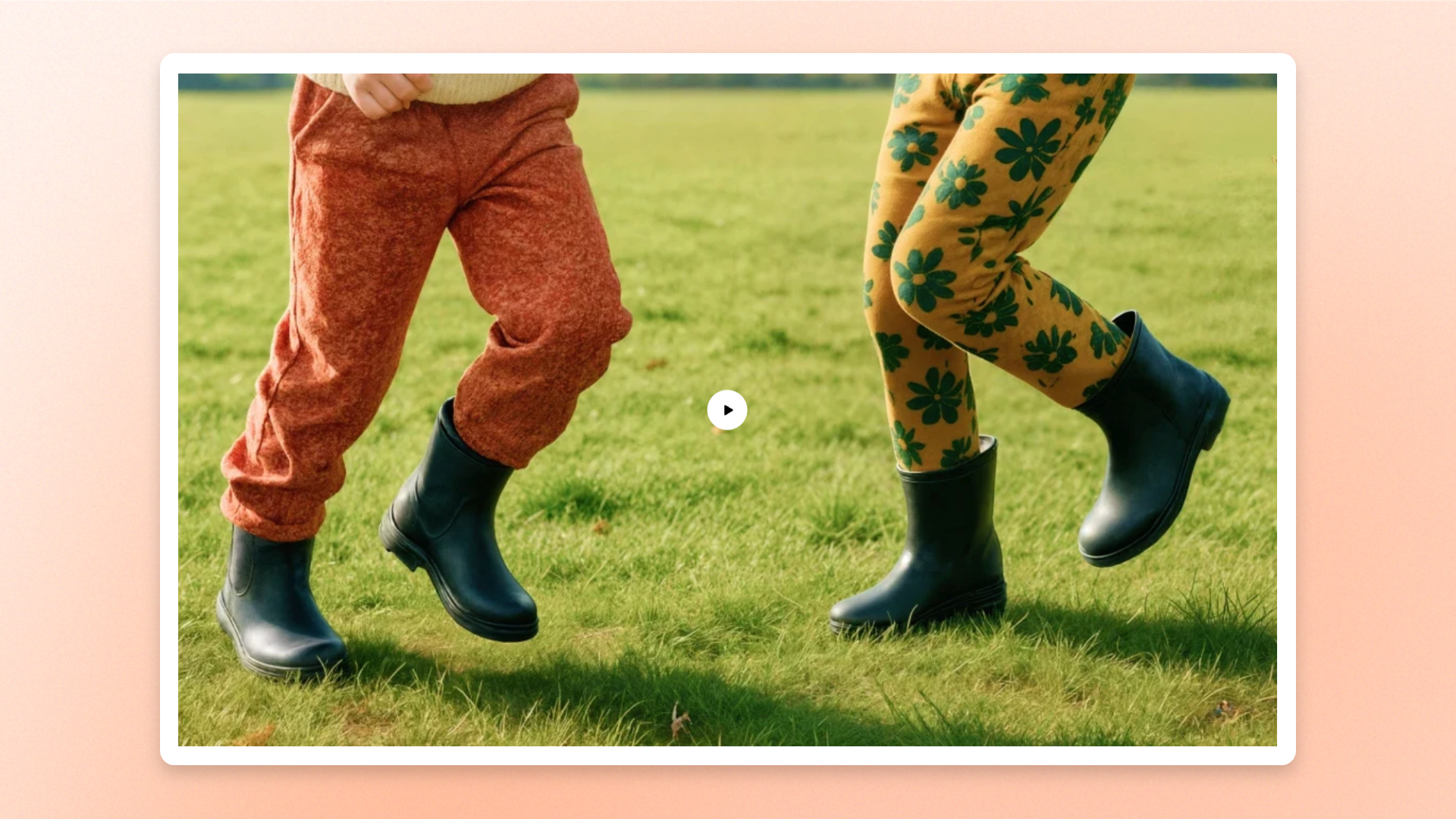
The **Video** block displays videos from uploaded files or external platforms such as YouTube and Vimeo. Use it to showcase **product demonstrations, tutorials, brand stories, customer testimonials, or other video content** that helps shoppers learn more about your products.
Customize video playback, aspect ratio, width, borders, and spacing to fit your page layout.
## Settings
### Video
Controls the video source, playback behavior, and cover image.
| Setting | Description | Options |
| ------------------ | ---------------------------------------------------------------------------- | ---------------------------------------------------------------------------------------------------------------------------------- |
| **Source** | Selects where the video comes from. | **Uploaded**: Uses a video uploaded to Shopify.
**External URL**: Embeds a video from YouTube or Vimeo. |
| **Video** | Sets the video displayed in the block. | Select a video from the Shopify file library or upload a new one.
*Available when **Source** is set to **Uploaded**.* |
| **Video URL** | Sets the external video displayed in the block. | Enter a YouTube or Vimeo video URL.
*Available when **Source** is set to **External URL**.* |
| **Video autoplay** | Controls whether the video starts playing automatically. | **On** or **Off**.
Videos are muted by default. |
| **Video looping** | Controls whether the video automatically restarts after it finishes playing. | **On** or **Off**. |
| **Cover image** | Sets the image displayed before the video starts playing. | Select an image from the Shopify file library or upload a new one.
*Available when **Video autoplay** is turned **off**.* |
| **Alt text** | Provides a text description of the video for accessibility. | Enter custom text.
*Available when **Source** is set to **External URL**.* |
**Autoplay** depends on browser and device policies. Most browsers allow muted videos to autoplay, but some devices may restrict autoplay due to power-saving or data-saving settings. If autoplay is blocked, shoppers need to start the video manually.
### Size
Controls the video's proportions and width across devices.
| Setting | Description | Options |
| ----------------------- | ------------------------------------------------------------------------------ | -------------------------------------------------------------------------------------------------------------------------------------------------------------------- |
| **Aspect ratio** | Controls the shape and proportions of the video. | **Auto**: Uses the video's original aspect ratio.
**Square (1/1), Portrait (4/5), Portrait (3/4), Landscape (16/9), Landscape (4/3), or Landscape (21/9).** |
| **Width** | Controls the video width on desktop. | **Fit**: Sizes the video to fit its content.
**Fill**: Expands the video to fill the available width.
**Custom**: Uses a specified width. |
| **Custom width** | Sets the video width on desktop as a percentage of the available space. | **0–100%**
*Available when **Width** is set to **Custom**.* |
| **Width mobile** | Controls the video width on mobile devices. | **Fit, Fill,** or **Custom.** |
| **Custom width mobile** | Sets the video width on mobile devices as a percentage of the available space. | **0–100%**
*Available when **Width mobile** is set to **Custom**.* |
### Borders
Controls the border and corner rounding of the video.
| Setting | Description | Options |
| ------------------ | ---------------------------------------------- | ---------------------- |
| **Border** | Controls whether the video has an outline. | **None** or **Solid**. |
| **Border width** | Controls the thickness of the video border. | **0–10px.**
|
| **Border opacity** | Controls the transparency of the video border. | **0–100%.**
|
| **Corner radius** | Controls how rounded the video corners appear. | **0–32px.** |
### Padding
Controls the space around the video within its block.
| Setting | Description | Options |
| ---------- | --------------------------------------------- | ------------ |
| **Top** | Controls the space above the video. | **0–100px.** |
| **Bottom** | Controls the space below the video. | **0–100px.** |
| **Left** | Controls the space to the left of the video. | **0–100px.** |
| **Right** | Controls the space to the right of the video. | **0–100px.** |
## Tips and best practices
* Use short, focused videos to demonstrate products, highlight key features, or show how products work.
* Choose an **Aspect ratio** that matches the video's original format to avoid cropping important content.
* Add a clear **Cover image** when autoplay is turned off so shoppers know what to expect before playing the video.
* Check the mobile preview to ensure the video displays correctly on smaller screens.