# Testimonial
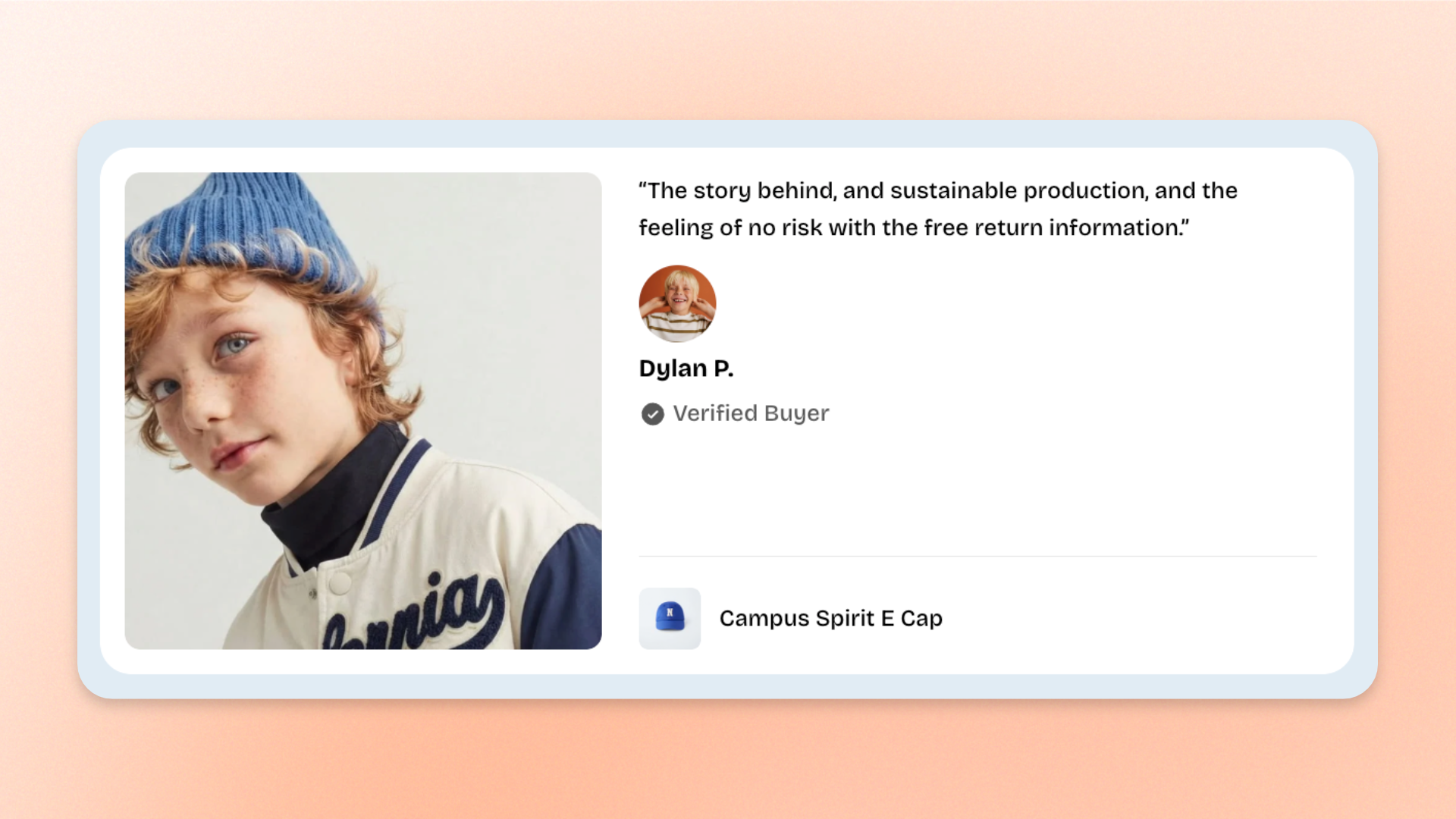
The **Testimonial** block displays customer reviews alongside images, reviewer information, and related products. Use it to showcase **customer feedback, product experiences, testimonials, or recommendations** that help shoppers learn from other customers.
The block includes built-in **Text** and **Information** blocks for displaying the customer review, reviewer details, and supporting information.
## Settings
### Layout
Controls how the testimonial content is arranged.
| Setting | Description | Options |
| ---------- | --------------------------------------------- | ------------------------------------------------------------------------------------------------------------------------------------------------- |
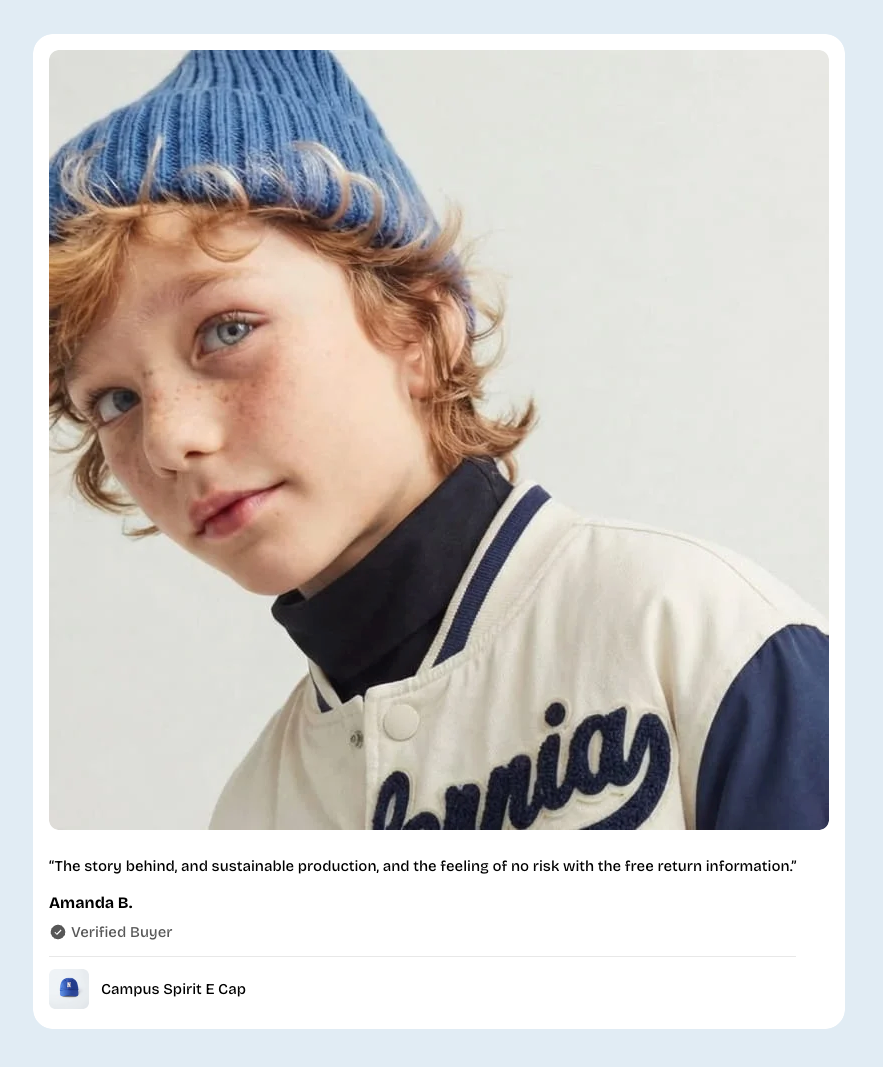
| **Design** | Controls the layout of the testimonial block. | **Stacked**: Arranges the testimonial content vertically.
**Inline**: Uses a side-by-side layout for the image and supporting content. |
### Image
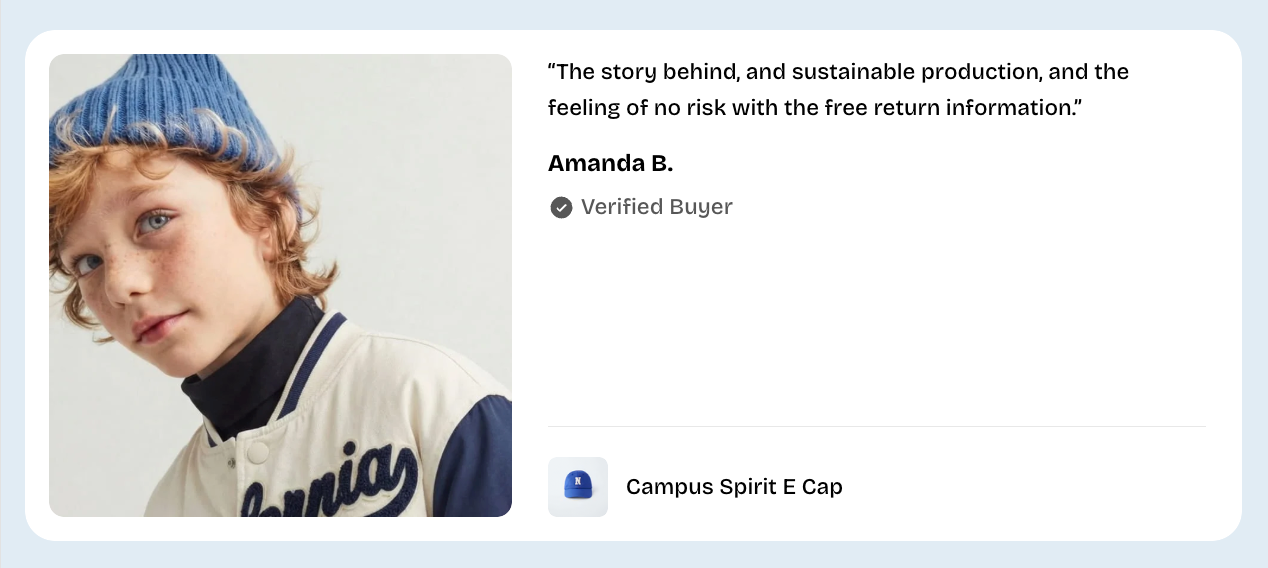
Controls the testimonial image and how it appears on desktop and mobile devices.
| Setting | Description | Options |
| -------------------------------- | ------------------------------------------------------------------------------------- | ------------------------------------------------------------------------------------------------------------------------------------------------------------------------- |
| **Show image** | Controls whether an image is displayed in the testimonial. | **On** or **Off.** |
| **Image** | Sets the image displayed on desktop. | Select or upload an image.
*Available when **Show image** is turned **on**.* |
| **Image mobile** | Sets a separate image for mobile devices. | Select or upload an image.
*If left empty, the desktop image is used on mobile.* |
| **Aspect ratio** | Controls the image proportions on desktop. | **Auto**: Uses the image's original proportions.
**Square (1/1), Portrait (4/5), Portrait (3/4), Landscape (16/9), Landscape (4/3),** or **Landscape (21/9)** |
| **Aspect ratio mobile** | Controls the image proportions on mobile devices. | **Auto, Square (1/1), Portrait (4/5), Portrait (3/4), Landscape (16/9), Landscape (4/3),** or **Landscape (21/9)** |
| **Keep image away from edge** | Controls whether the image is spaced away from the outer edge of the testimonial. | **On** or **Off.** |
| **Stretch image to fit content** | Controls whether the image stretches to match the height of the accompanying content. | **On** or **Off.**
*Available when **Design** is set to **Inline** and **Show image** is turned **on**.* |
| **Corner radius** | Controls how rounded the image corners are. | **0–32px.** |
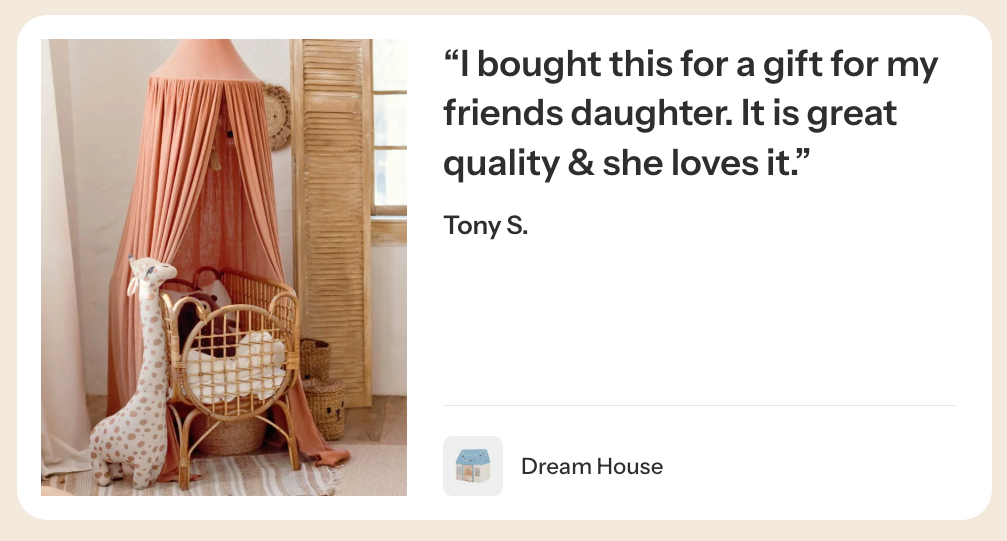
Keep image away from edge - ON
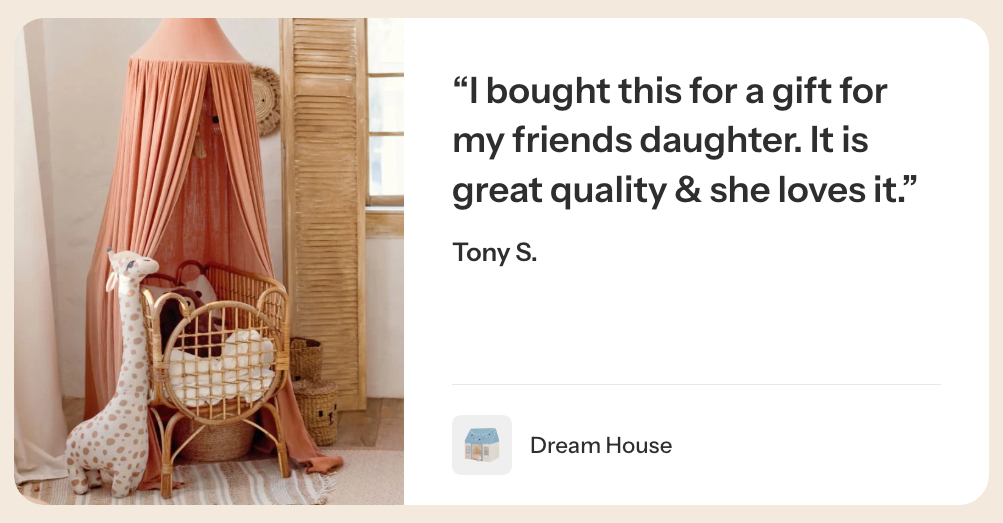
Keep image away from edge - OFF
### Product
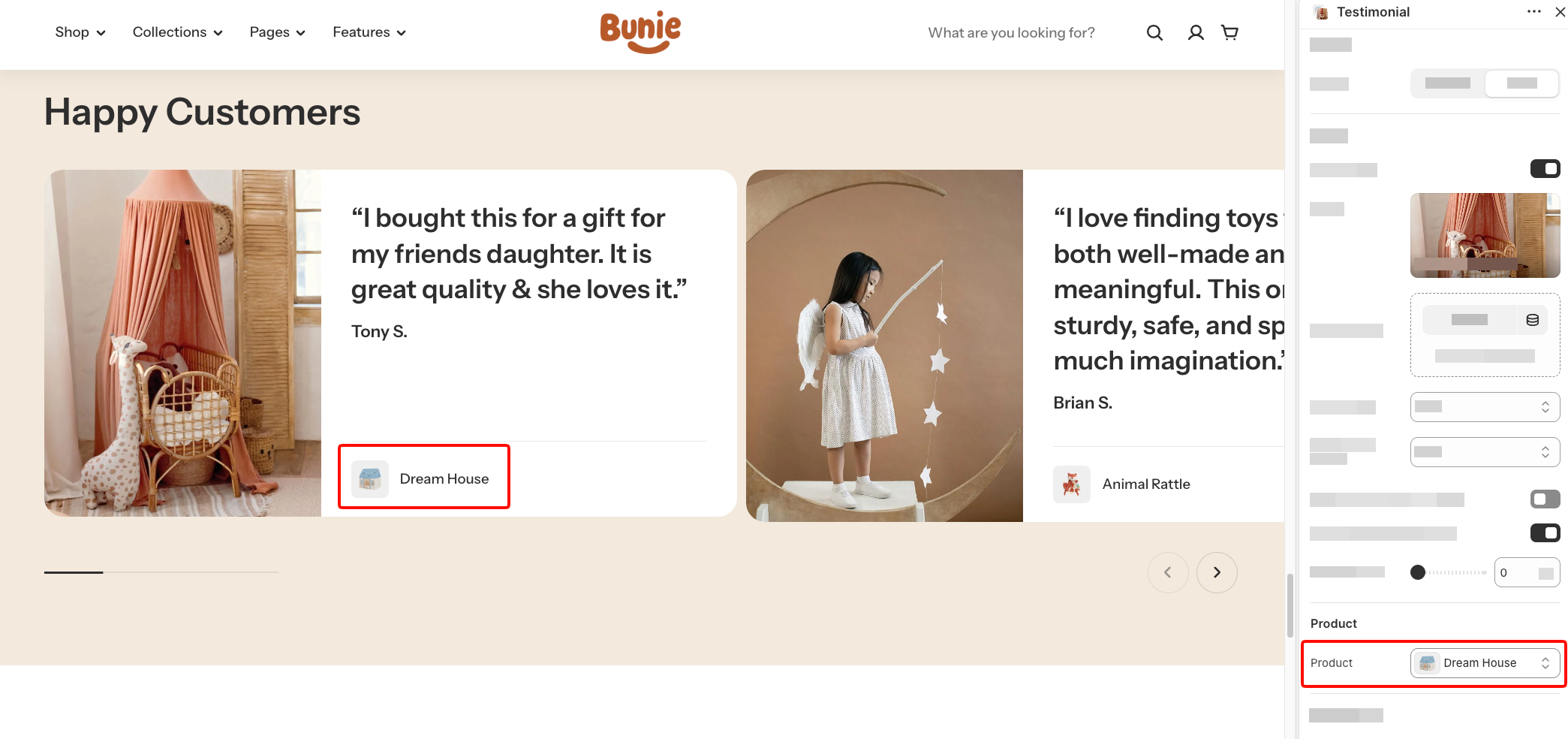
Controls the product associated with the testimonial.
| Setting | Description | Options |
| ----------- | ---------------------------------------------------------------- | ----------------------------------------- |
| **Product** | Selects a product to display alongside the customer testimonial. | Select a product from your Shopify store. |
### Appearance
Controls the testimonial's color scheme and corner styling.
| Setting | Description | Options |
| ------------------------ | ------------------------------------------------------------------------ | ----------------------------------------------------------------------------------------------------- |
| **Inherit color scheme** | Controls whether the testimonial uses the parent section's color scheme. | **On** or **Off.** |
| **Color scheme** | Sets the color scheme used by the testimonial. | Select a theme color scheme.
*Available when **Inherit color scheme** is turned **off**.* |
| **Corner radius** | Controls how rounded the testimonial's outer corners are. | **0–32px**.
*Available when **Inherit color scheme** is turned **off**.* |
## Testimonial – items
The **Testimonial** block includes two built-in static blocks: **Text** and **Information**. Each serves a different purpose:
* **Text**: Displays the main customer review or testimonial.
* **Information**: Displays supporting details about the reviewer, including an avatar, name, and optional bio.
These blocks are part of the testimonial's built-in structure and cannot be removed or reordered.
### Text
The **Text** block controls the main testimonial content. Use it to display customer feedback, product experiences, or a short review.
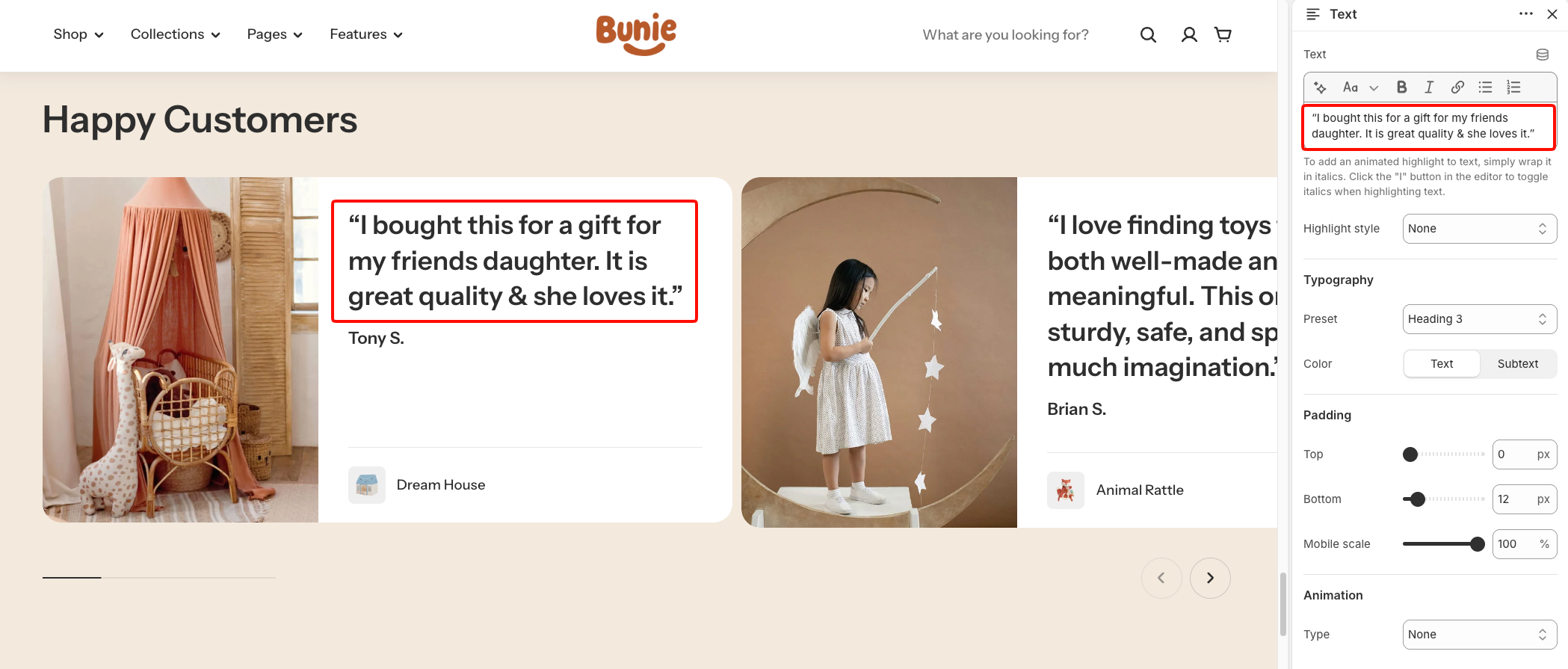
It supports rich-text formatting, text highlighting, typography, padding, and animation, similar to the standalone **Text** block.
However, it has fewer customization options and does not include **Layout**, **Left/Right padding**, **Gradient text color**, or **Disable line break on mobile** settings.
For all other settings, including rich-text formatting, highlight styles, typography, padding, and animations, see the [**Text block documentation**](https://docs.foxecom.com/pebble-theme/theme-blocks/text).
### Information
The **Information** block displays details about the customer or reviewer featured in the testimonial. It includes an avatar, a name, and an optional bio with an icon.
This block helps shoppers identify who shared the review and provides additional context about their experience.
#### Avatar
Controls the reviewer's profile image and its size on desktop and mobile.
| Setting | Description | Options |
| ---------------- | --------------------------------------------------- | -------------------------- |
| **Image** | Sets the avatar image displayed in the testimonial. | Select or upload an image. |
| **Width** | Controls the avatar width on desktop. | **30–100px**. |
| **Width mobile** | Controls the avatar width on mobile devices. | **30–100px**. |
#### Name
Controls the reviewer's name and typography.
| Setting | Description | Options |
| ---------- | ------------------------------------------------------- | ------------------------------- |
| **Text** | Sets the name displayed in the information area. | Enter custom text. |
| **Preset** | Sets the typography style used for the reviewer's name. | **Heading 5** or **Heading 6.** |
#### Bio
Controls the supporting information displayed with the reviewer's name.
| Setting | Description | Options |
| --------- | ----------------------------------------------------------- | ------------------------------------------ |
| **Icon** | Sets the icon displayed alongside the bio text. | Select an icon from the built-in icon set. |
| **Text** | Sets the supporting text displayed in the information area. | Enter custom text. |
| **Color** | Controls the bio text color. | **Text** or **Subtext**. |
#### Padding
Controls the spacing around the information content.
| Setting | Description | Options |
| ---------------- | ----------------------------------------------------------- | ------------ |
| **Top** | Controls the space above the information content. | **0–100px.** |
| **Bottom** | Controls the space below the information content. | **0–100px.** |
| **Mobile scale** | Adjusts the information block's spacing for mobile devices. | **20–100%.** |
## Tips and best practices
* Choose authentic customer images that relate to the review. Use **Image mobile** and **Aspect ratio mobile** when the desktop image does not display well on smaller screens.
* Keep testimonials focused on a specific customer experience or product benefit. Avoid long reviews that make the layout difficult to scan.
* Add an **Avatar** and **Name** to help shoppers identify the reviewer. Use the **Bio** to provide relevant context, such as a short customer description.
* Select the related **Product** when the testimonial discusses a specific item, so shoppers can easily connect the feedback to that product.