# Press
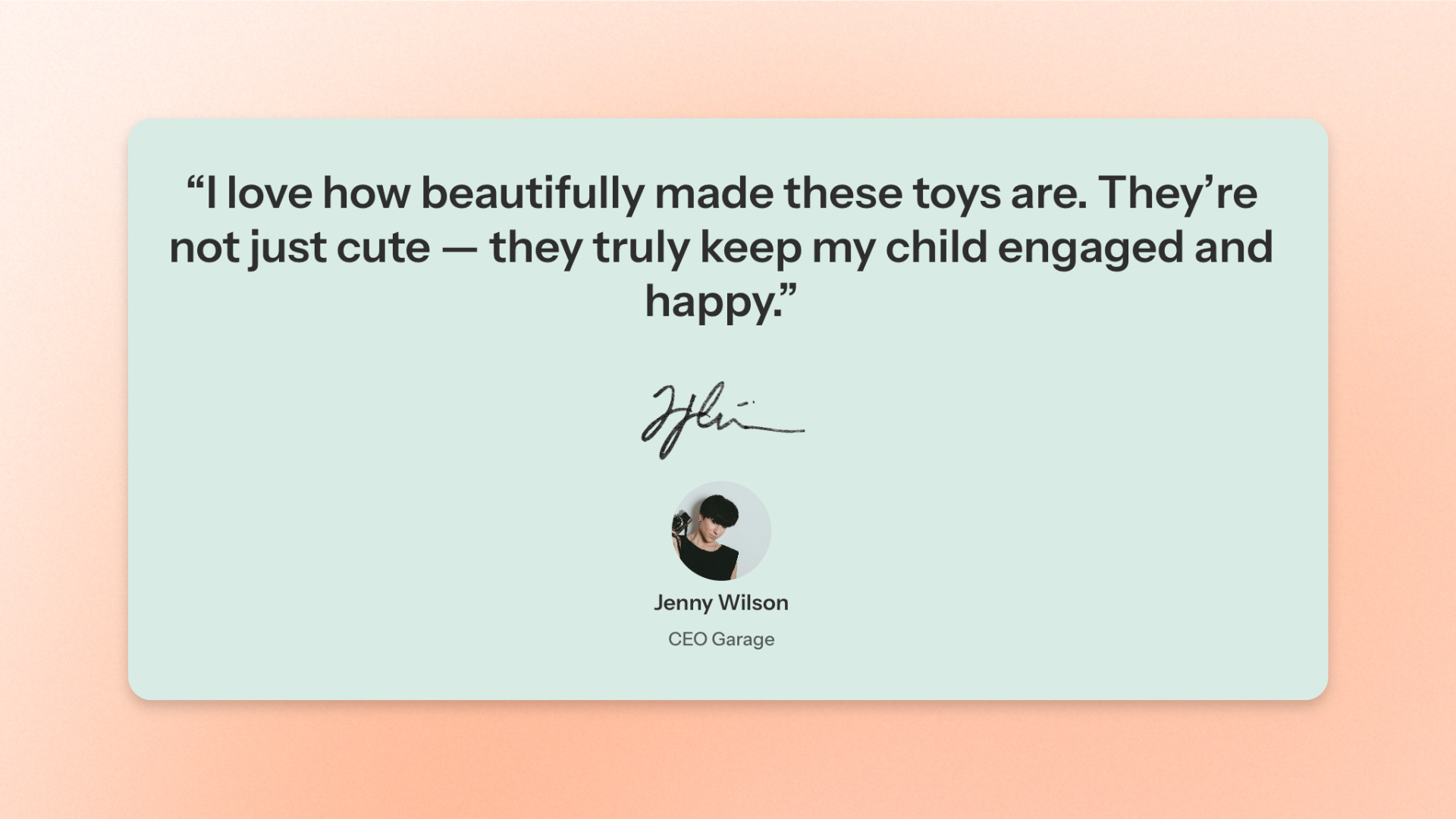
The **Press** block displays press mentions, customer reviews, or testimonials with supporting images and author information. Use it to highlight **feedback, media coverage, or customer experiences** that help build trust and credibility.
The block combines a text quote, an optional image, and author details, with customizable alignment and sizing for desktop and mobile devices.
## Settings
### Image
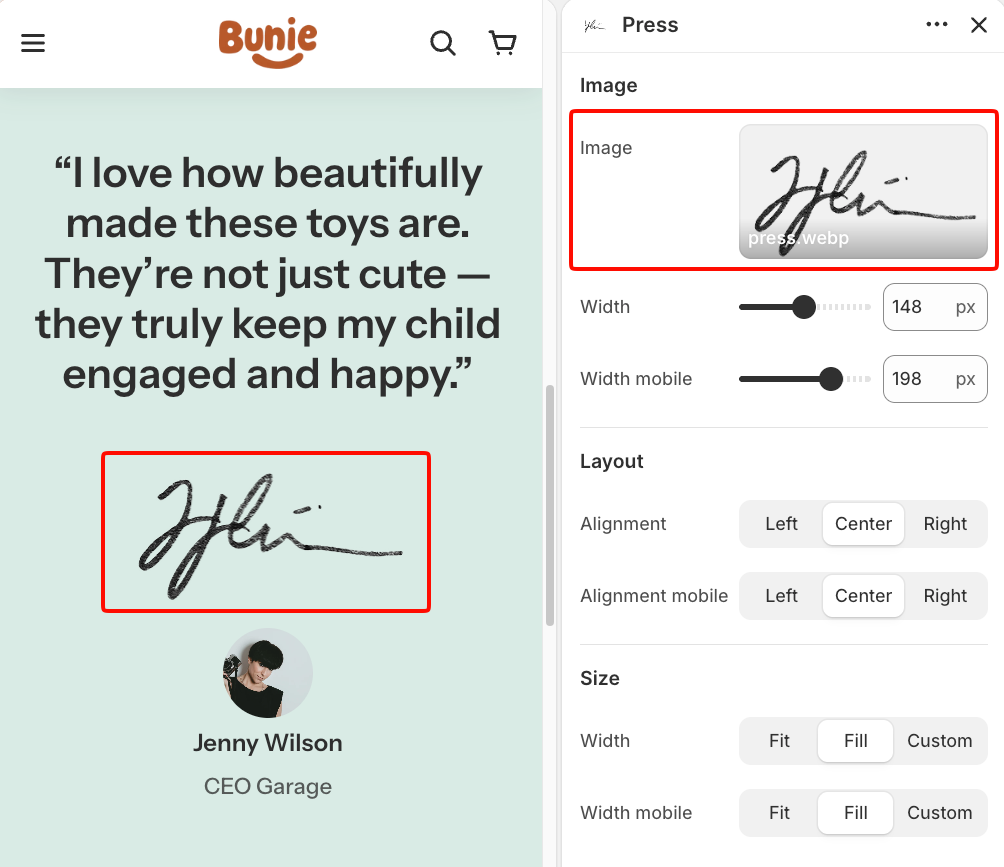
Controls the image displayed in the Press block and its size on desktop and mobile devices.
| Setting | Description | Options |
| ---------------- | --------------------------------------------------------------------------------------- | -------------------------- |
| **Image** | Sets the image displayed in the block, such as a publication logo or supporting visual. | Select or upload an image. |
| **Width** | Sets the image width on desktop. | **50–250px.** |
| **Width mobile** | Sets the image width on mobile devices. | **50–250px.** |
### Layout
Controls the alignment of the block's content on desktop and mobile devices.
| Setting | Description | Options |
| ---------------- | ------------------------------------------------------------------- | ------------------------------- |
| Alignment | Controls the horizontal alignment of the content on desktop. | **Left, Center,** or **Right.** |
| Alignment mobile | Controls the horizontal alignment of the content on mobile devices. | **Left, Center,** or **Right.** |
### Size
Controls how much horizontal space the block occupies on desktop and mobile devices.
| Setting | Description | Options |
| ----------------------- | ------------------------------------------------------- | ------------------------------------------------------------------------------------------------------------------------------------------------------------------------ |
| **Width** | Controls the block width on desktop. | **Fit**: Keeps the block sized to its content.
**Fill**: Expands the block to fill the available width.
**Custom**: Lets you set a custom width. |
| **Custom width** | Sets the block width as a percentage on desktop. | **0–100%.**
*Available when **Width** is set to **Custom**.* |
| **Width mobile** | Controls the block width on mobile devices. | **Fit, Fill,** or **Custom.** |
| **Custom width mobile** | Sets the block width as a percentage on mobile devices. | **0–100%.**
*Available when **Width mobile** is set to **Custom**.* |
## Press – items
The **Press** block includes two built-in static blocks: **Text** and **Information**.
Each serves a different purpose:
* **Text**: Displays the main quote, review, testimonial, or press mention.
* **Information**: Displays details about the author or source, including an optional avatar, name, and supporting information.
Both blocks are built into **Press** and cannot be removed or reordered. You can customize their settings and hide individual blocks when needed.
### Text
The **Text** block displays the main content of the press mention, customer review, or testimonial.
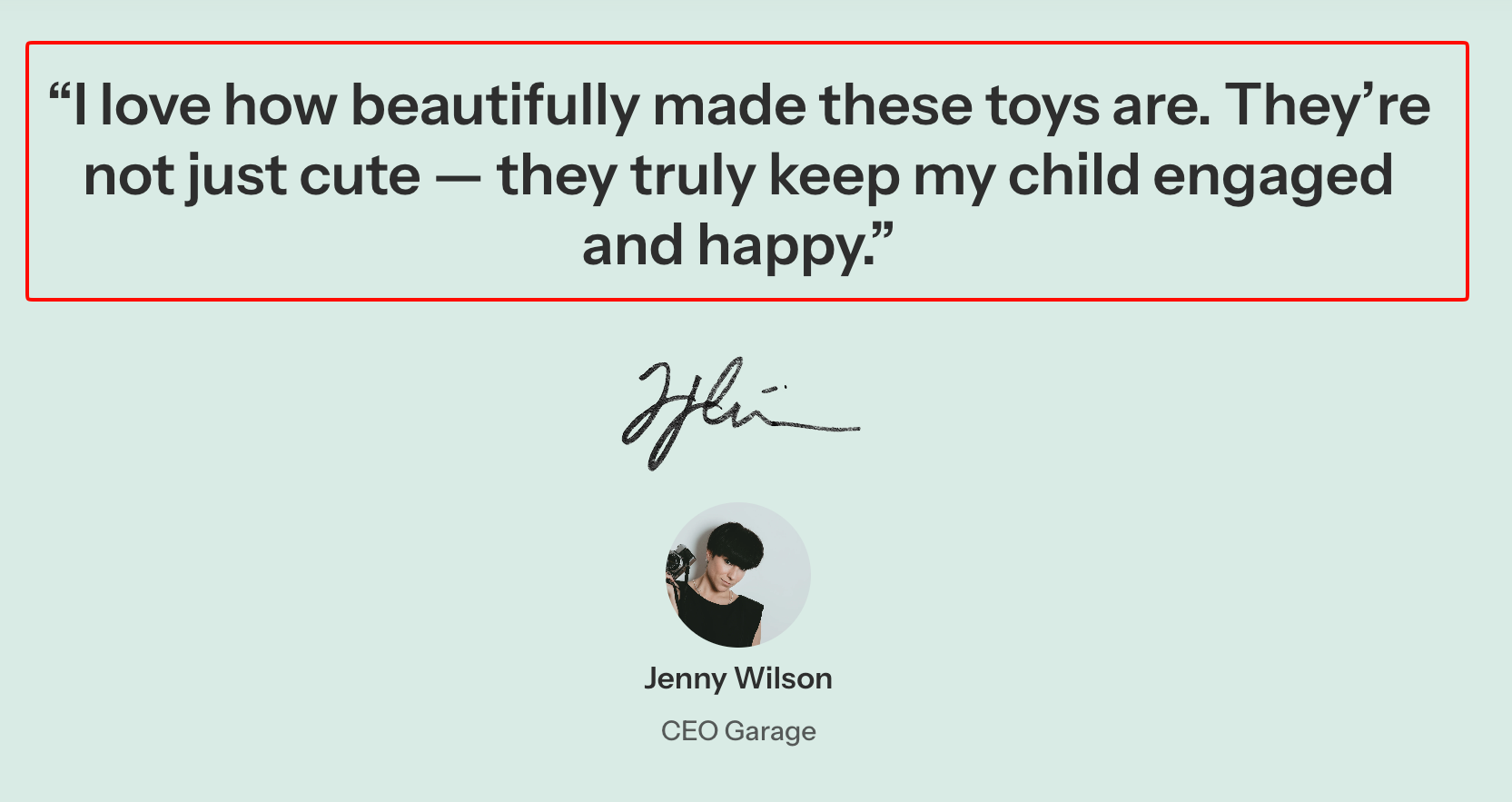
It supports rich-text formatting, text highlighting, typography, padding, and animation, similar to the standalone **Text** block.
However, it has fewer customization options and does not include **Layout**, **Left/Right padding**, **Gradient text color**, or **Disable line break on mobile** settings.
For all other settings, including rich-text formatting, highlight styles, typography, padding, and animations, see the [**Text block documentation**](https://docs.foxecom.com/pebble-theme/theme-blocks/text).
### Information
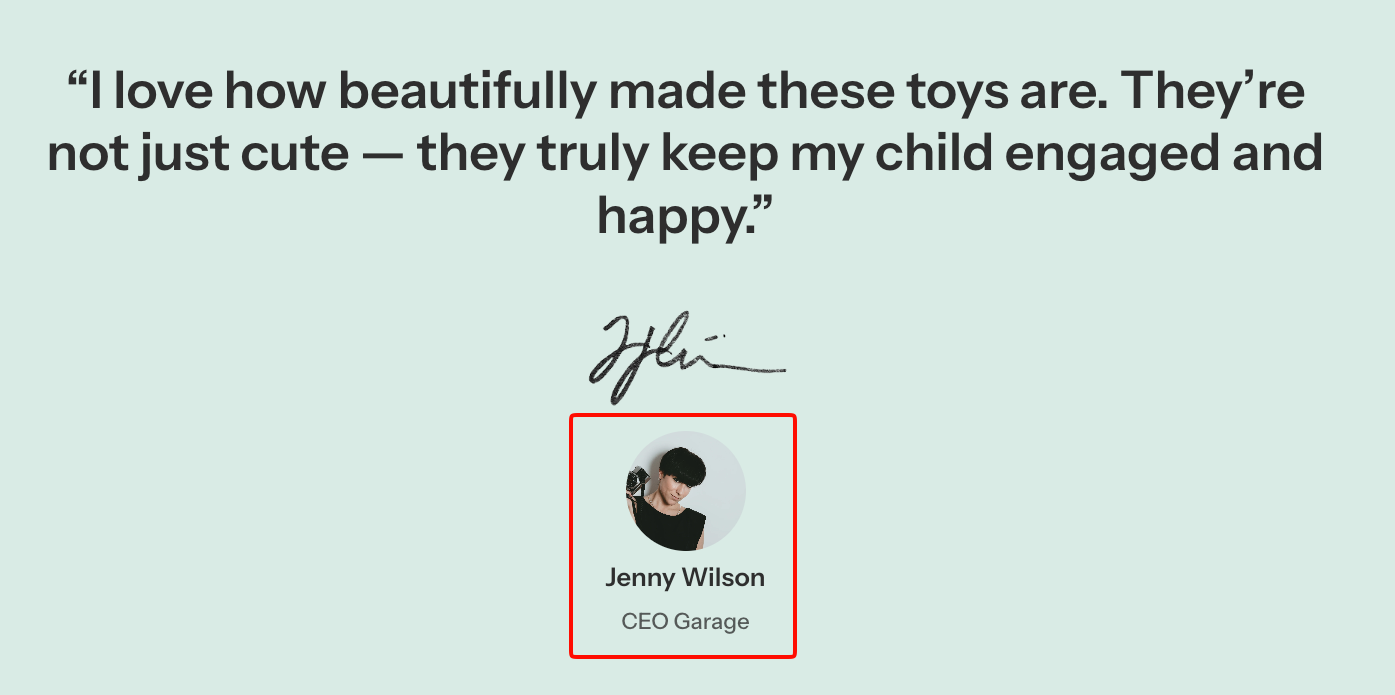
The **Information** block displays details about the person or source behind the quote, including an avatar, name, and short description.
#### Avatar
Controls the author or source image and its size on desktop and mobile devices.
| Setting | Description | Options |
| ---------------- | --------------------------------------------- | -------------------------- |
| **Image** | Sets the avatar image displayed in the block. | Select or upload an image. |
| **Width** | Controls the avatar width on desktop. | **30–100px**. |
| **Width mobile** | Controls the avatar width on mobile devices. | **30–100px**. |
#### Name
Controls the name displayed in the Information block.
| Setting | Description | Options |
| ---------- | -------------------------------------- | ------------------------------- |
| **Text** | Sets the author or source name. | Enter custom text. |
| **Preset** | Sets the typography style of the name. | **Heading 5** or **Heading 6.** |
#### Bio
Controls the supporting information displayed below the name.
| Setting | Description | Options |
| --------- | --------------------------------------------------------------------------------- | ------------------------------------------ |
| **Icon** | Sets the icon displayed alongside the bio text. | **None, Check circle, Check,** or **Tag.** |
| **Text** | Sets the supporting text, such as the author's role, company, or customer status. | Enter custom text. |
| **Color** | Controls the bio text color. | **Text** or **Subtext**. |
#### Padding
Controls the spacing around the Information block and its scaling on mobile devices.
| Setting | Description | Options |
| ---------------- | ----------------------------------------------------------- | ------------ |
| **Top** | Controls the space above the information content. | **0–100px.** |
| **Bottom** | Controls the space below the information content. | **0–100px.** |
| **Mobile scale** | Adjusts the information block's spacing for mobile devices. | **20–100%.** |
## Tips and best practices
* Use authentic press quotes, reviews, or testimonials that highlight a specific customer experience, product benefit, or brand achievement. Keep longer quotes concise without changing their meaning.
* Use **Image** to display a publication logo or relevant visual that supports the quote. Adjust **Width mobile** to keep it properly sized on smaller screens.
* Add an **Avatar** and **Name** to identify the author or source. Use **Bio** to provide relevant context, such as their role, publication, or customer status.
* Check **Alignment mobile** and **Mobile** scale to ensure the quote and author details remain easy to read on smaller screens.