# Images stack
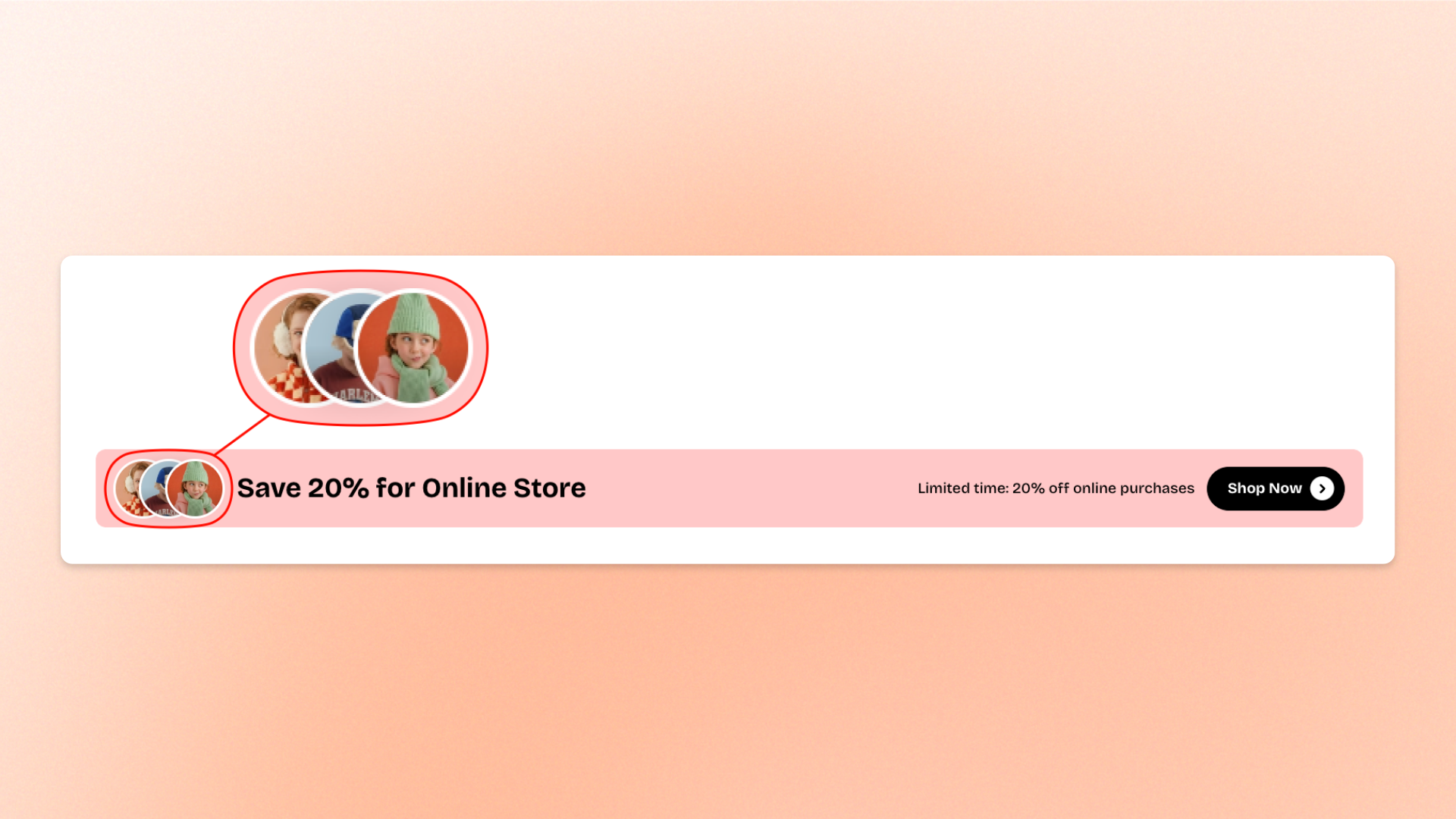
The **Images stack** block displays multiple images in a horizontal, overlapping layout. Each image appears as a circular thumbnail, with a hover effect that brings individual images forward. Use it to highlight **product collections, customer photos, team members, or featured visuals** in a compact, eye-catching layout.
Add multiple **Image** blocks to build your stack. Each image can also link to a page, product, collection, or other destination.
## Settings
The **Images stack** block has no customizable settings. Its layout and hover effect are built in.
You can customize the content by adding and editing individual **Image** blocks.
## Images stack – items
The **Images stack** block supports one type of nested block: **Image**. Each Image block represents one circular image in the stack.
You can add, duplicate, remove, or reorder Image blocks to control which images appear and their order.
### Image
Controls the image and optional link for each item in the stack.
| Setting | Description | Options |
| --------- | --------------------------------------------------------------------------- | ------------------------------------------------------------------ |
| **Image** | Sets the image displayed in the stack. | Select an image from the Shopify file library or upload a new one. |
| **Link** | Makes the image clickable and directs shoppers to the selected destination. | Select a page, product, collection, or enter a URL. |
## Tips and best practices
* Use images with a clear, centered subject so important details remain visible within the circular crop.
* Keep the number of images manageable to prevent excessive overlap and maintain a clean layout.
* Use images with consistent lighting and visual styles to make the stack look cohesive.