# Custom liquid
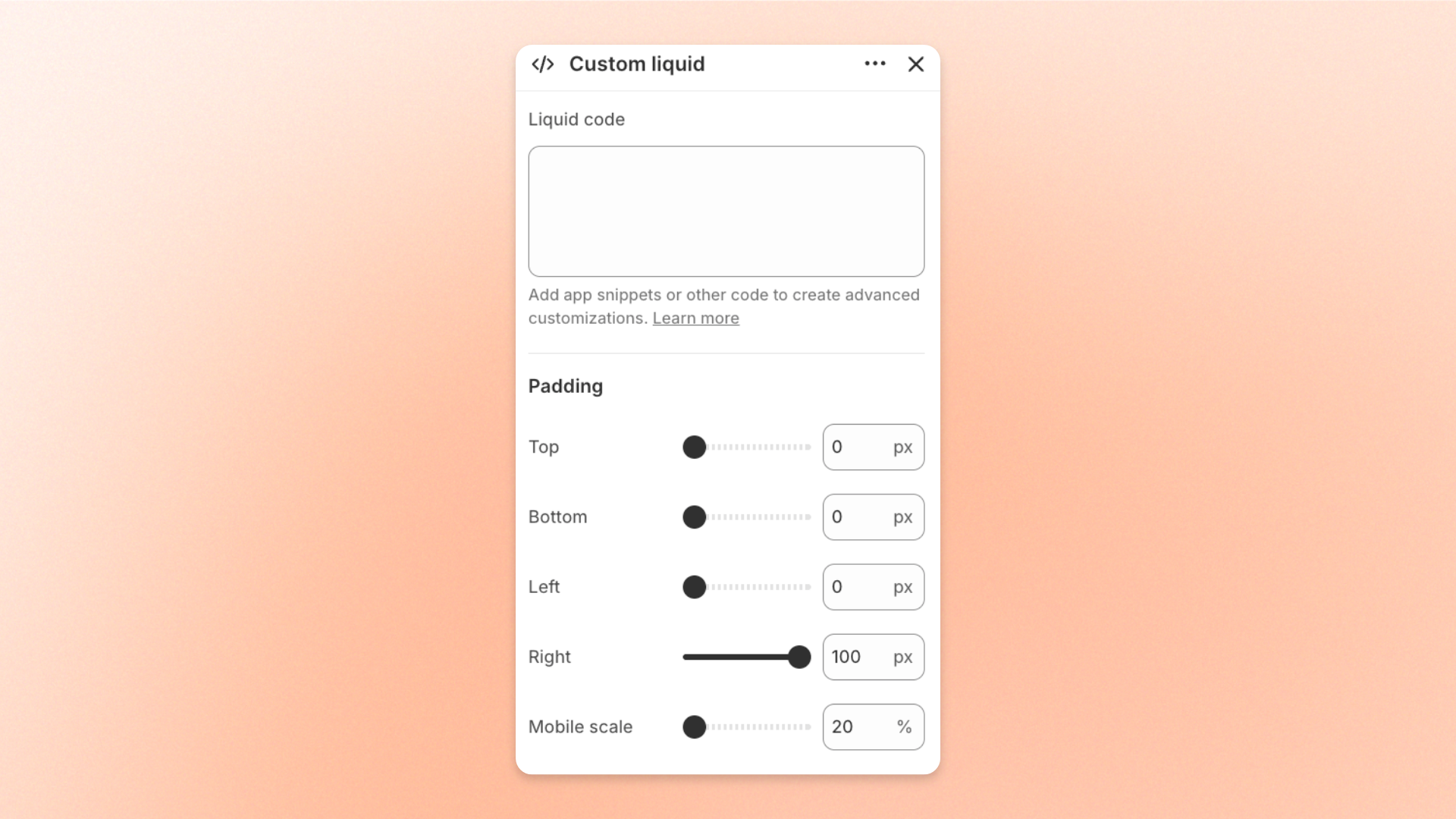
The **Custom liquid** block lets you add your own **Liquid, HTML, or app snippet** directly inside a section. Use it for third-party widgets, app integrations, custom Liquid output, custom HTML, or other code-based content that isn’t available through Pebble’s built-in blocks.
The code is rendered directly on your storefront, so this block is best suited for advanced customizations and integrations.
## Settings
### Content
| Setting | Description | Options |
| --------------- | ------------------------------------------- | -------------------------------------------------- |
| **Liquid code** | Adds the custom code rendered by the block. | Enter Liquid, HTML, or supported app snippet code. |
### Padding
Controls the spacing around the Custom liquid content.
| Setting | Description | Options |
| ---------------- | ---------------------------------------------------------------------- | ---------------------------------------------------------------------------- |
| **Top** | Sets the space above the custom content. | **0–100px** |
| **Bottom** | Sets the space below the custom content. | **0–100px** |
| **Left** | Sets the space on the left side of the custom content. | **0–100px** |
| **Right** | Sets the space on the right side of the custom content. | **0–100px** |
| **Mobile scale** | Adjusts all padding values on mobile relative to their desktop values. | **20–100%**: Select the percentage of the desktop padding to keep on mobile. |
## Tips and best practices
* Use **Custom liquid** when Pebble’s built-in blocks don’t provide the content or integration you need.
* Add appropriate CSS when your custom content needs additional styling.
* Make sure images, embeds, and third-party elements are responsive so they display properly across screen sizes.
* Test custom code on a draft theme before publishing. Liquid, HTML, or third-party code errors can affect the section layout or storefront functionality.
* Keep custom code simple and well organized so it’s easier to maintain and troubleshoot.
* For more advanced Liquid customization, refer to the official [**Shopify Liquid documentation**](https://shopify.dev/docs/api/liquid) or work with a Shopify developer.