# Highlight text
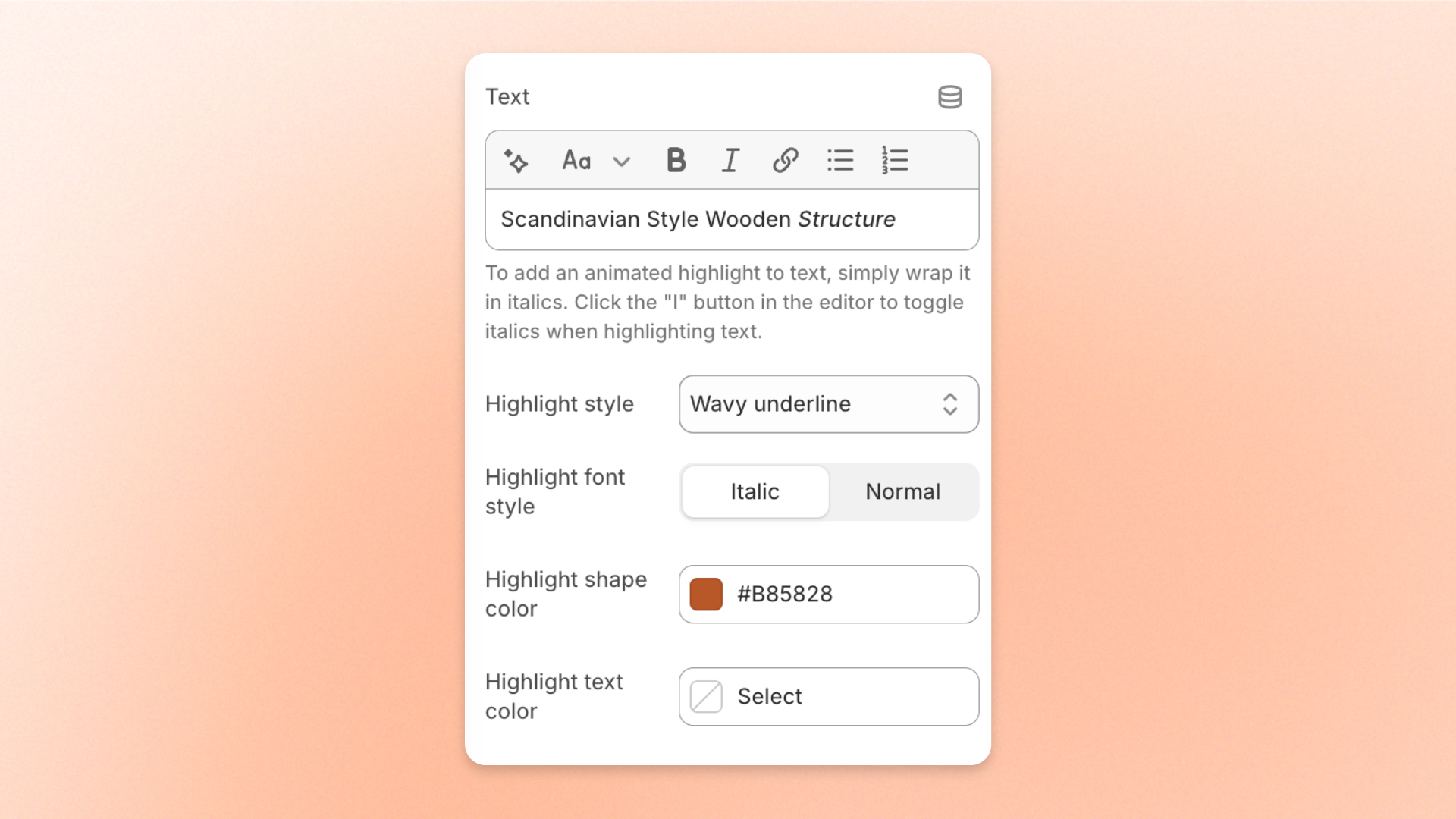
**Highlight text** lets you emphasize specific words or phrases using different highlight effects. You can choose from standard underline, wavy underline, or solid background styles, then customize the font style and colors to match your store's design.
## How to highlight text
To apply a highlight effect, wrap the words you want to highlight in *italics* using the rich text editor.
1. Open the section or block containing the text you want to highlight.
2. Select the words or phrase you want to highlight.
3. Click the **Italic (I)** button in the rich text editor.
4. Choose a **Highlight style** to apply the effect.
5. Customize the font style and colors as needed.
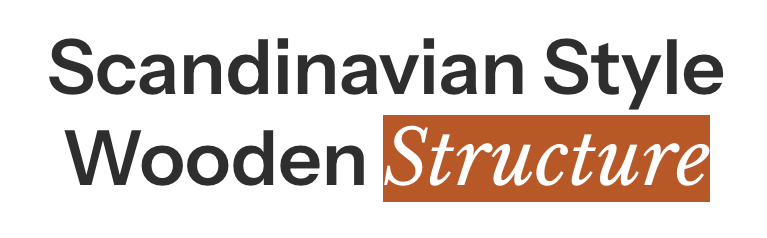
For example, in the heading **Scandinavian Style Wooden Structure**, select the word *Structure* and apply italics. The selected word will display with your chosen highlight effect.
Only text formatted in **italics** receives the highlight effect. The rest of the text remains unchanged.
## Settings
The available settings depend on the selected **Highlight style**.
| Setting | Description | Options |
| ------------------------- | ----------------------------------------------------------------------------- | -------------------------------------------------------------------------------------------------------------------------------------------- |
| **Highlight** **style** | Controls the visual effect applied to highlighted text. | **None, Standard, Wavy underline,** or **Solid background.** |
| **Highlight font style** | Controls whether the highlighted text appears in italic or normal font style. | **Italic** or **Normal**.
*Available when **Highlight style** is set to **Standard**, **Wavy underline**, or **Solid background**.* |
| **Highlight shape color** | Sets the color of the underline or background shape. | Select a color.
*Available when **Highlight style** is set to **Wavy underline**, or **Solid background**.* |
| **Highlight text color** | Sets the color of the highlighted text. | Select a color.
*Available when **Highlight style** is set to **Standard**, **Wavy underline**, or **Solid background**.* |
## Highlight styles
### None
Displays the selected text in italics without adding any highlight effect.
Use this option when you want simple italic emphasis or don't need additional decoration.
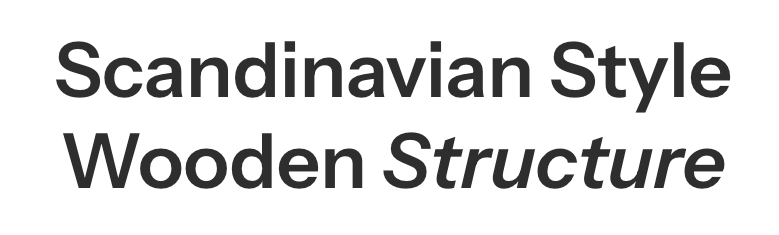
### Standard
Applies a standard underline effect to the highlighted text.
Best for headings and text that need subtle emphasis without drawing too much attention.
You can customize the **font style** and **text color**.
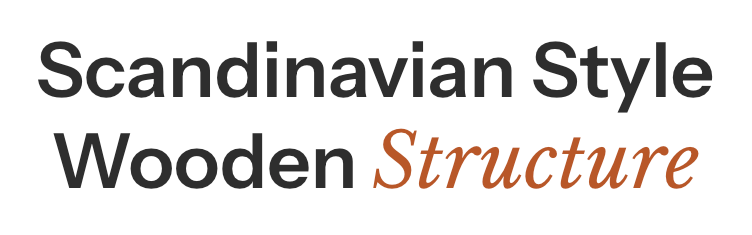
### Wavy underline
Adds a decorative, hand-drawn-style underline beneath the highlighted text.
Best for highlighting keywords in promotional headings, storytelling sections, or designs with a friendly, expressive style.
You can customize the **font style**, **underline color**, and **text color**.
### Solid background
Adds a solid color background behind the highlighted text.
Best for emphasizing key messages, offers, or important phrases that you want visitors to notice immediately.
You can customize the **font style**, **background color**, and **text color**.
## Tips and best practices
* **Highlight short phrases.** Emphasize only key words or phrases to keep your text clear and easy to read.
* **Use contrasting colors.** Make sure highlighted text remains readable, especially when using a solid background.
* **Keep styles consistent.** Use the same highlight style across similar sections for a cohesive design.
* **Check mobile display.** Preview highlighted text on smaller screens to ensure effects look correct when text wraps onto multiple lines.
Highlight text settings are available only in supported section and block text fields. Not all rich text editors in the theme support these effects.