# New customer accounts component
_MTogOYnf.jpg)
Starting from **Pebble v1.2.0**, the theme supports Shopify's new feature **Customer Account Components**.
Since legacy customer accounts are no longer supported, all merchants must switch to the new customer accounts. [Learn more](https://help.shopify.com/en/manual/customers/customer-accounts/customize-customer-accounts/account-component)
See our [changelog](https://help.foxecom.com/changelog/pebble?utm_source=foxecom\&utm_medium=changelog_pebble\&utm_campaign=anchor_text\&utm_term=changelog)
## Requirements
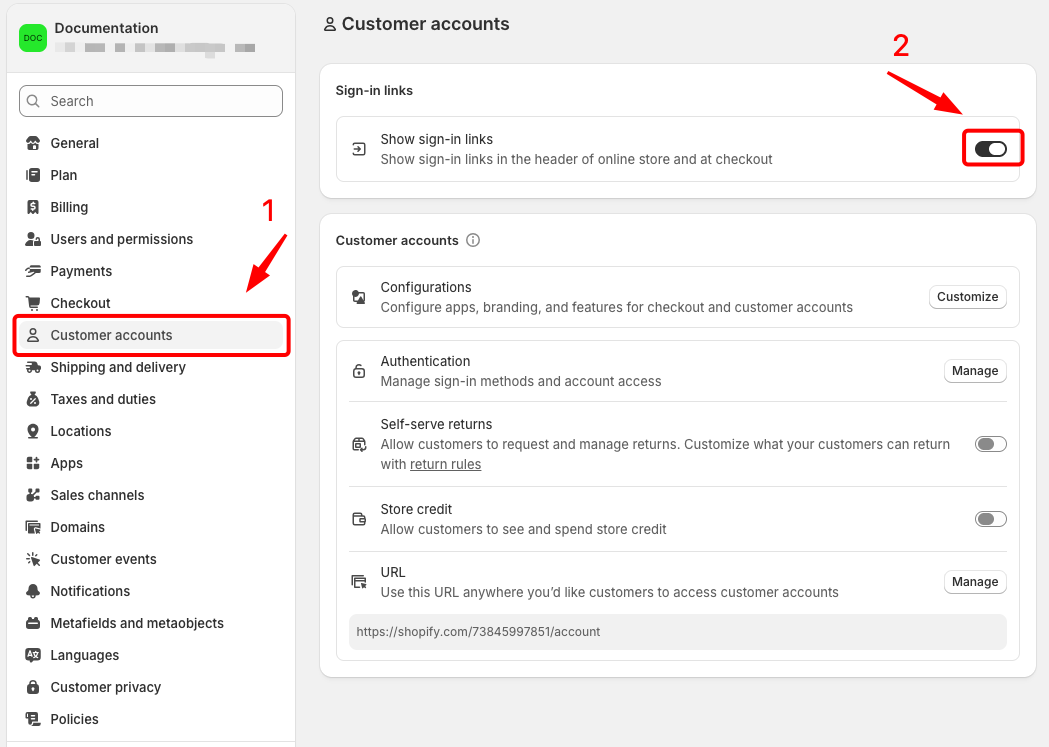
* Available from **Pebble version 1.2.0 or later** (See how to [Update Pebble theme](page://614519d7-6013-4529-b91b-6335a4ef4104)).
* Go to Shopify → **Settings** → **Customer accounts** → Enable the **Sign-in links** option. [Learn more](https://help.shopify.com/en/manual/customers/customer-accounts/customize-customer-accounts/account-component)
## Supported sign-in methods
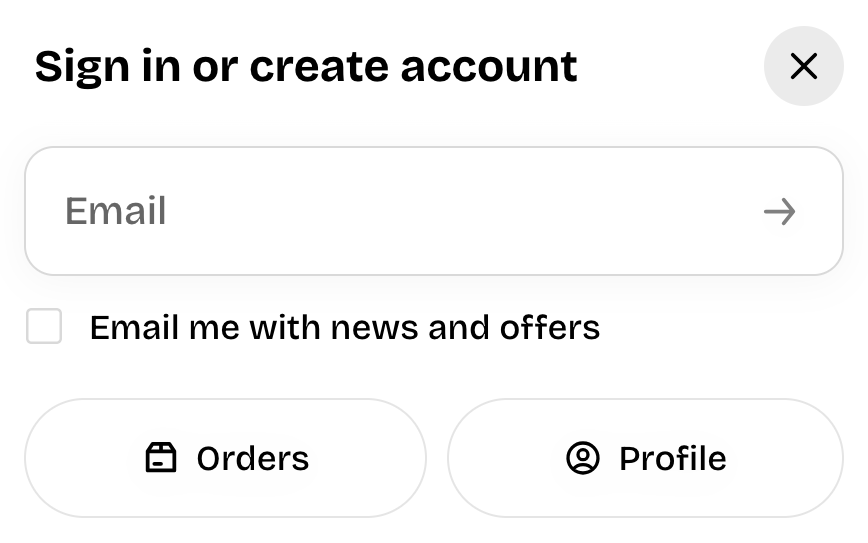
Customers enter their email and receive a verification code. This sign-in option is always available on customer accounts.
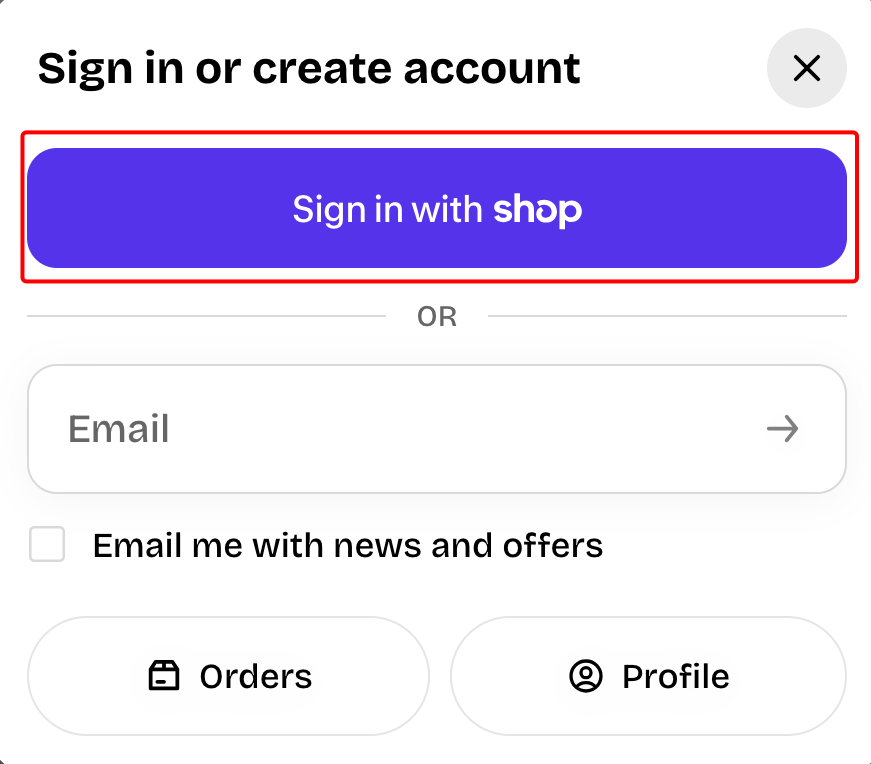
This option displays when you have [Shop Pay](https://help.shopify.com/en/manual/payments/shop-pay) activated on your store.
📝 Learn more: [Shop sign-in](https://help.shopify.com/en/manual/customers/customer-accounts/sign-in-options/social-sign-in#shop)
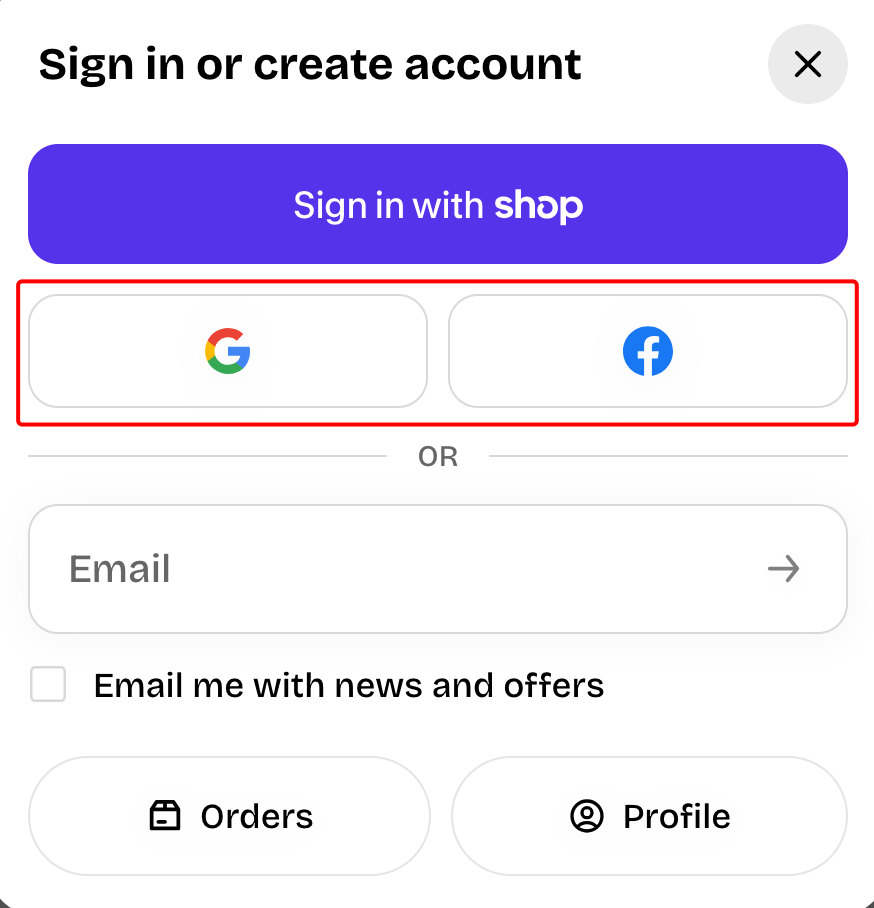
If you've set up social sign-in for customer accounts, then Google and Facebook sign-in are available.
📝 Learn more: [Social sign-in](https://help.shopify.com/en/manual/customers/customer-accounts/sign-in-options/social-sign-in)
You'll need a [Google Cloud](https://console.cloud.google.com/) or [Meta for Developers](https://developers.facebook.com/) account to complete this step.
## How it works
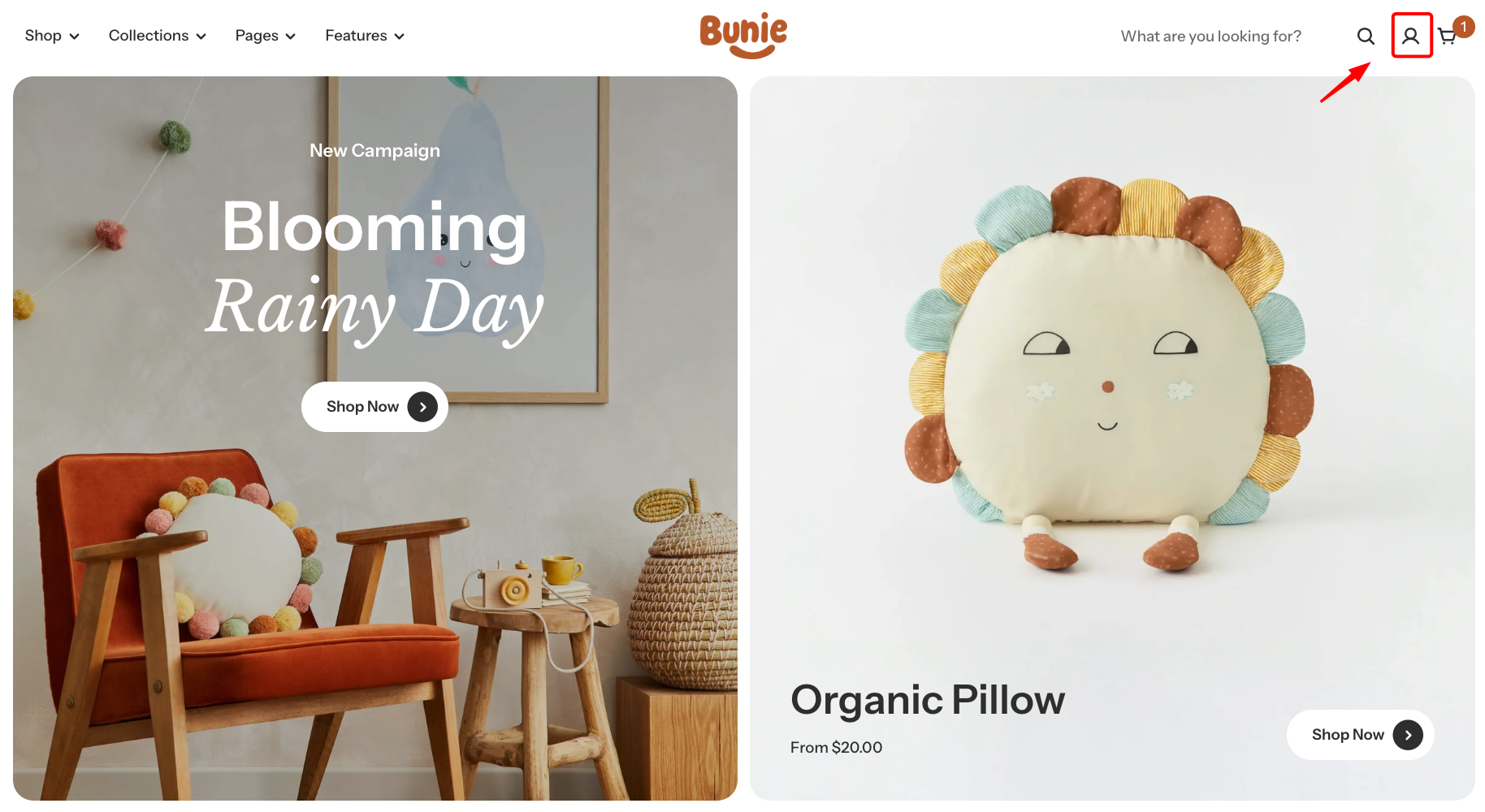
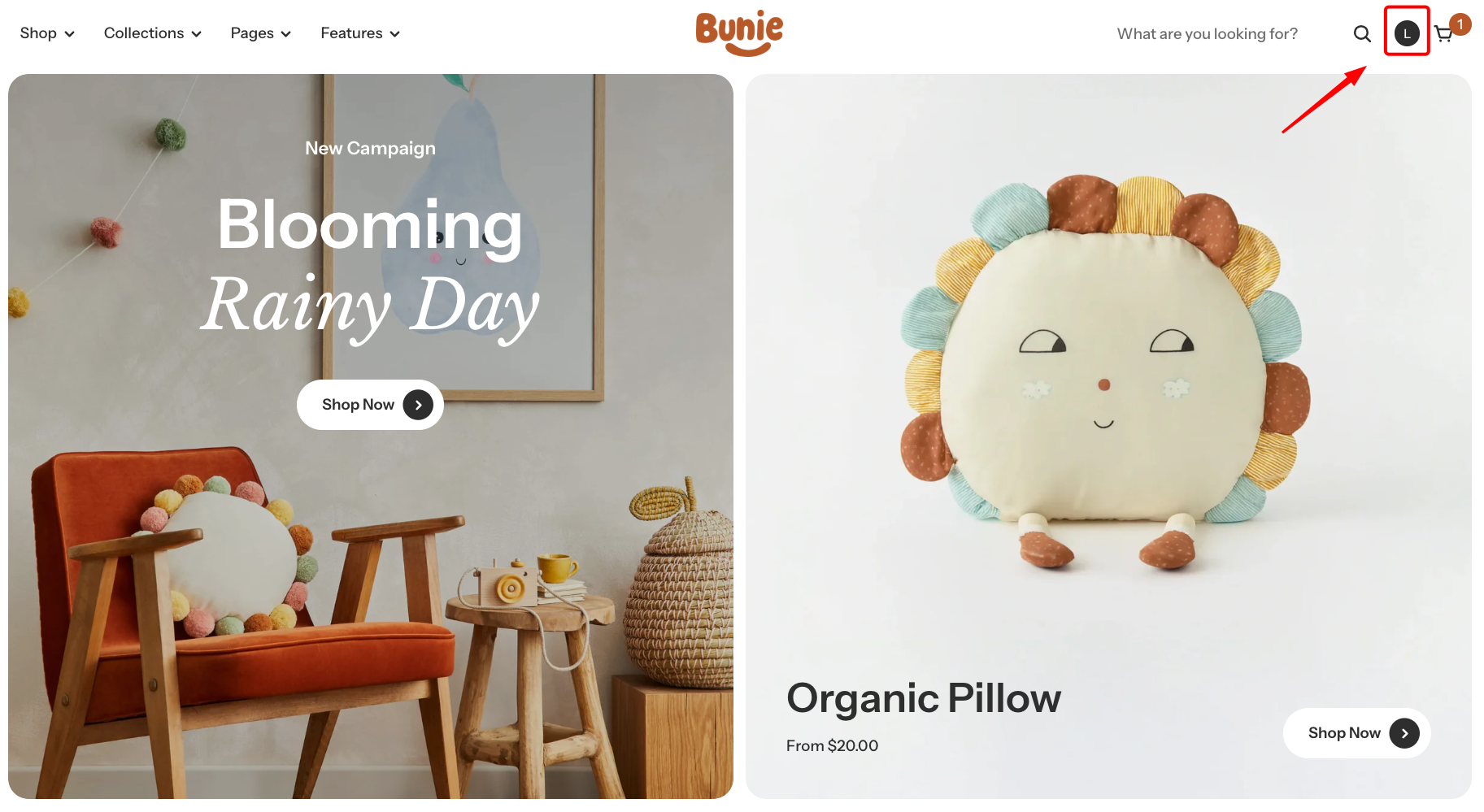
* The account icon appears in the store header on all pages.
* Signed out → shows a default account icon
* Signed in → shows the customer's initial or Shop profile photo.