# Search behavior
Megamog Search provides the capability to quickly and effectively refine product catalogs or website content.
Steps
1. In the theme editor (**Customize**), click **Theme settings**
2. Locate **Search behavior**
3. Make necessary changes
4. **Save.**
## Search suggestions
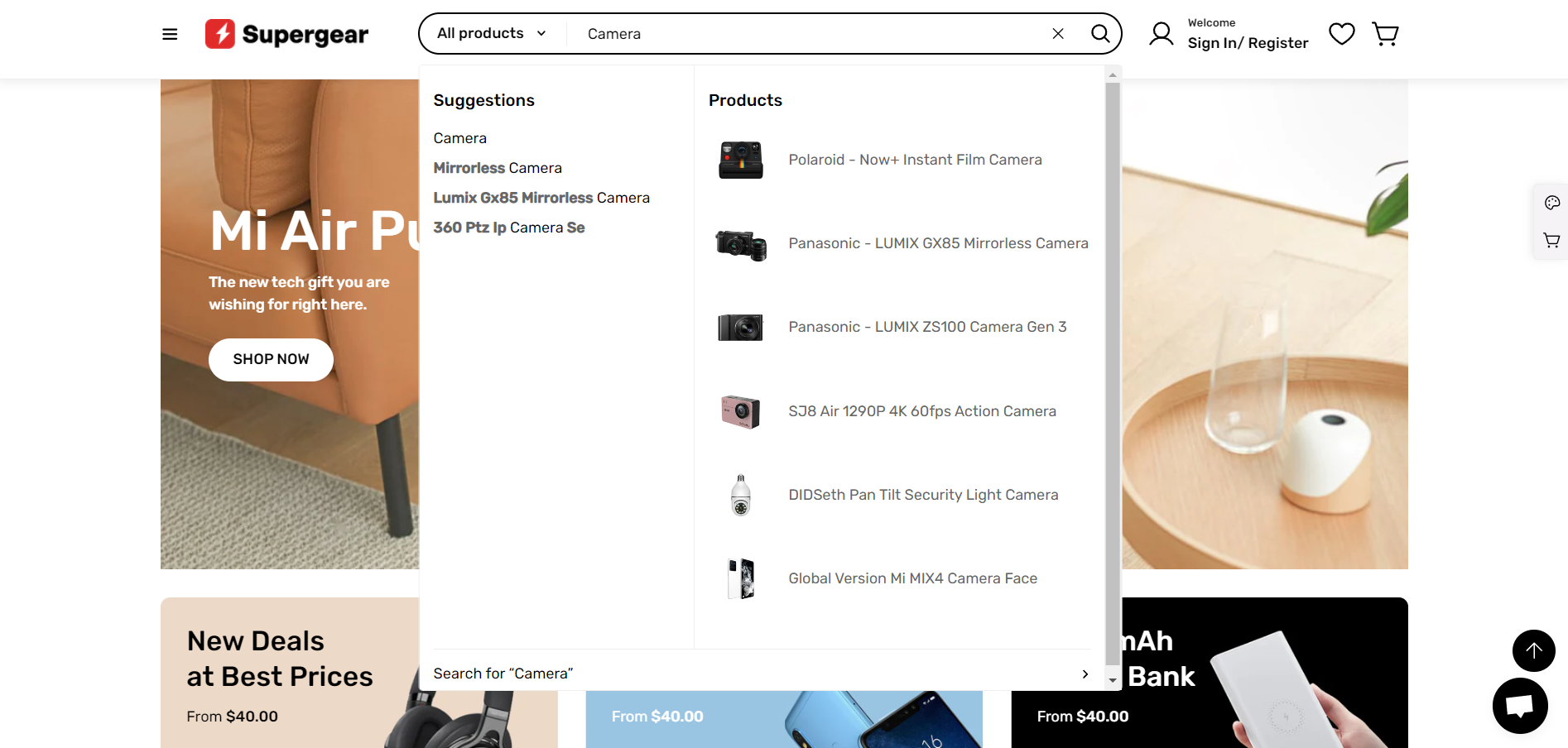
**Predictive search** (search suggestions) shows suggested results as you type. It helps your customers refine their search without being redirected to a search results page, and quickly explore your store by seeing top results for suggested search terms, products, collections, and more.
You can customize the behavior of predictive search with the [Search & Discovery app](https://help.shopify.com/en/manual/online-store/search-and-discovery) from Shopify.
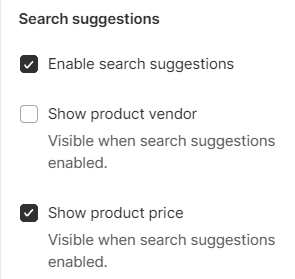
You can enable one or all of the following features for search.
* **Enable search suggestions**: predicts what users are searching for and shows results as users type.
* **Show product vendor** (when the search suggestions feature is enabled)
* **Show product price** (when the search suggestions feature is enabled).
* Predictive search isn't available in all languages. See the [complete list of supported languages](https://shopify.dev/docs/api/ajax/reference/predictive-search?shpxid=e7a69a3f-9448-4E0E-C1BA-A29185925080#supported-languages).
* By default, a maximum of 10 possible results are shown across all the queried result types.
## Product types
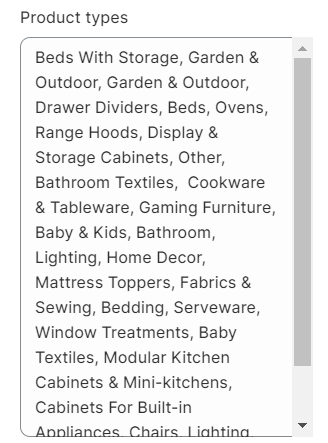
Show a dropdown next to the Header search box to let customers pick a particular product type to search for.
If enabled, you should also [add the Product Type filter within the Search & Discovery app](https://help.shopify.com/en/manual/online-store/search-and-discovery/filters).
All product types are listed in the dropdown filter by default.
If you want to list out specific types, use commas to separate them.