# Welcome to Megamog documentation
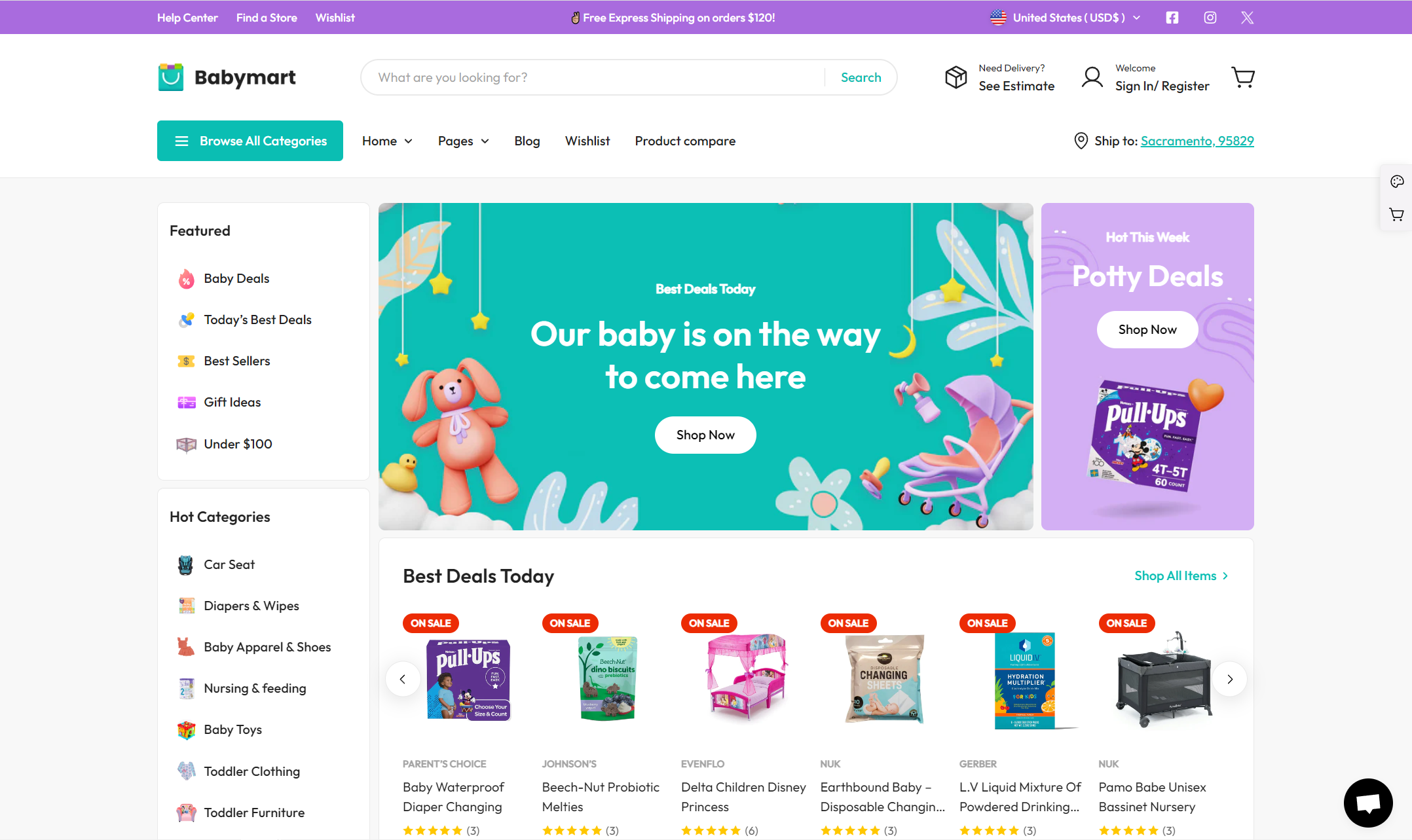
## What is Megamog theme?
Megamog is the ultimate feature-packed Shopify theme for megastores. Megamog is a product of [FoxEcom](/megamog-theme/minimog-documentation).
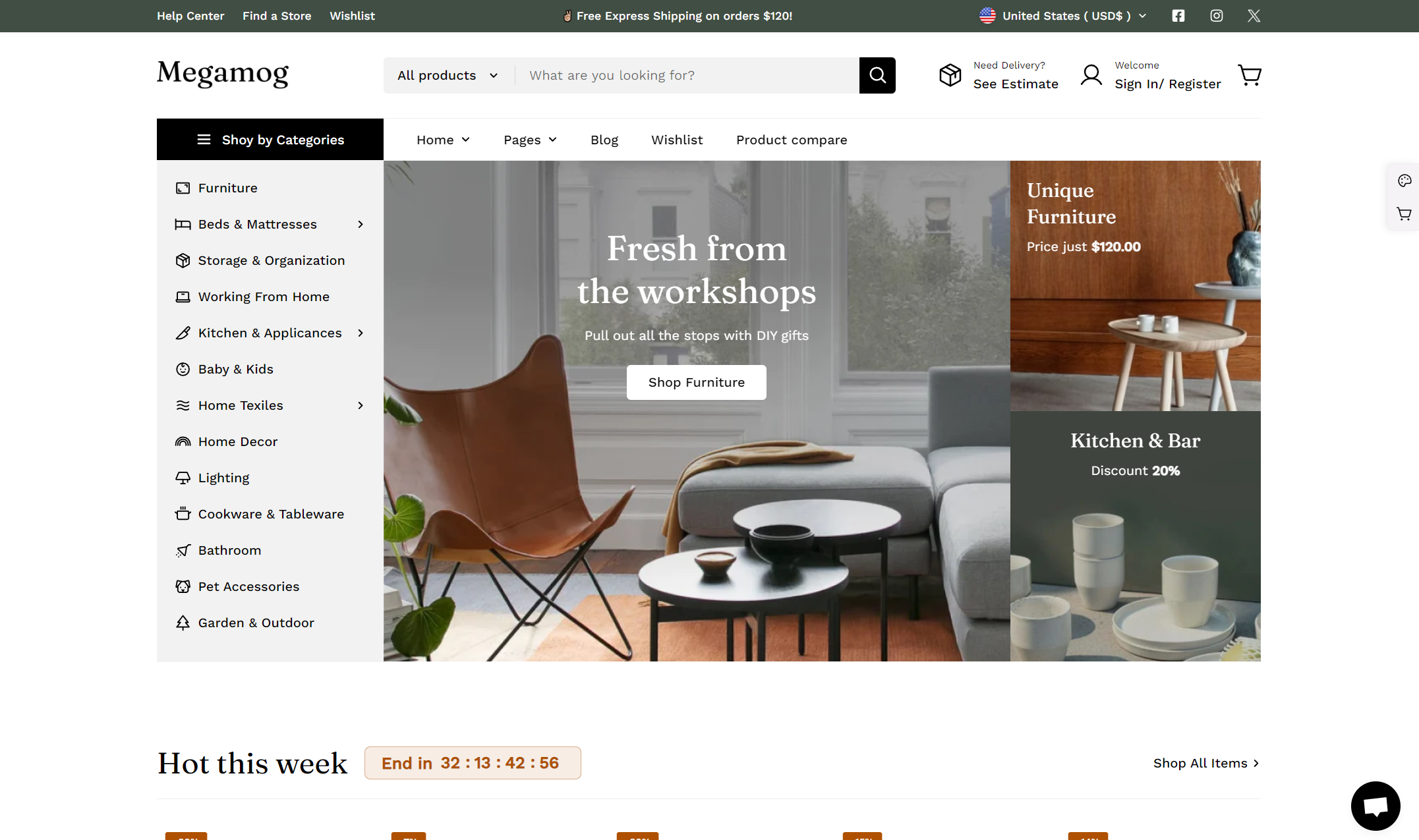
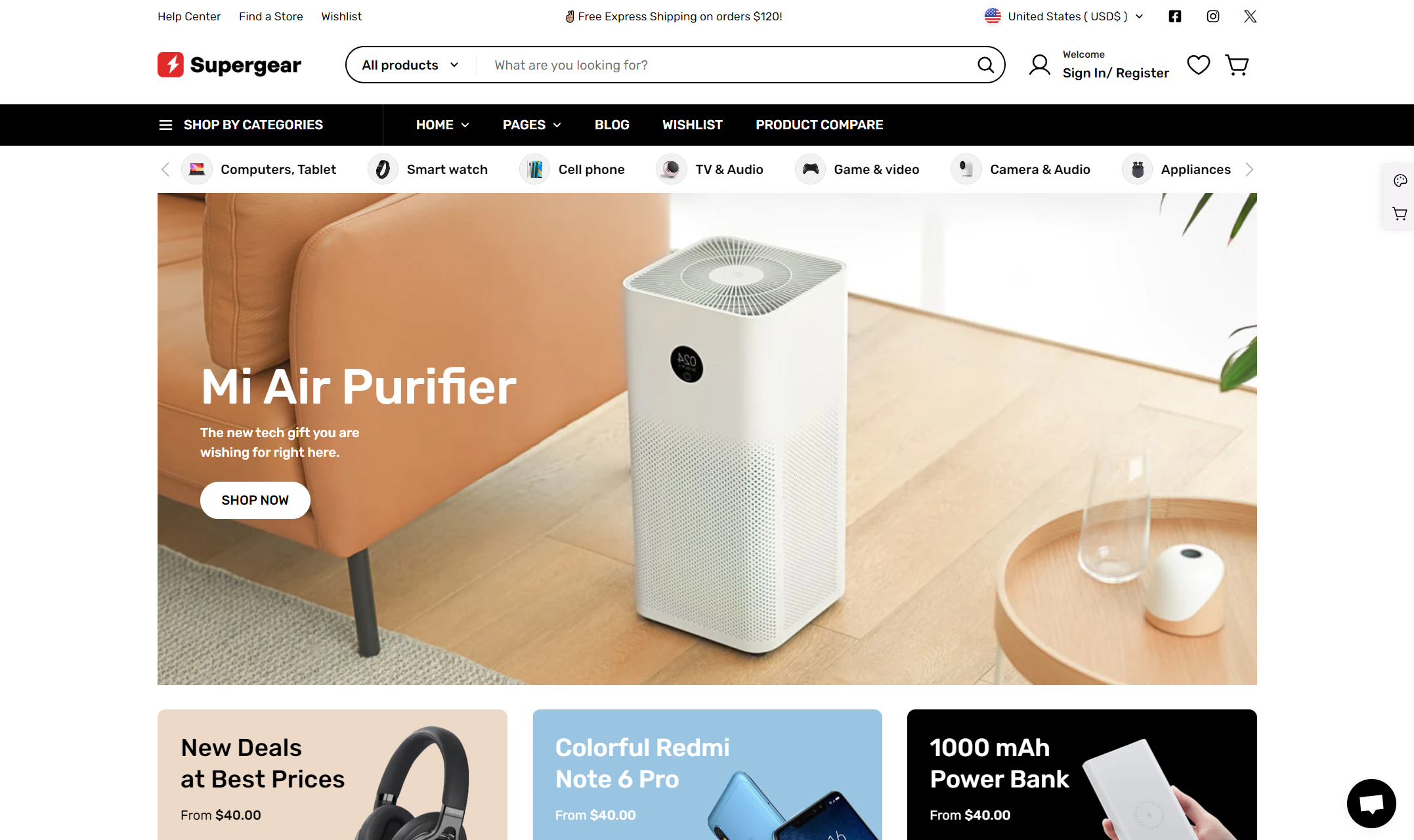
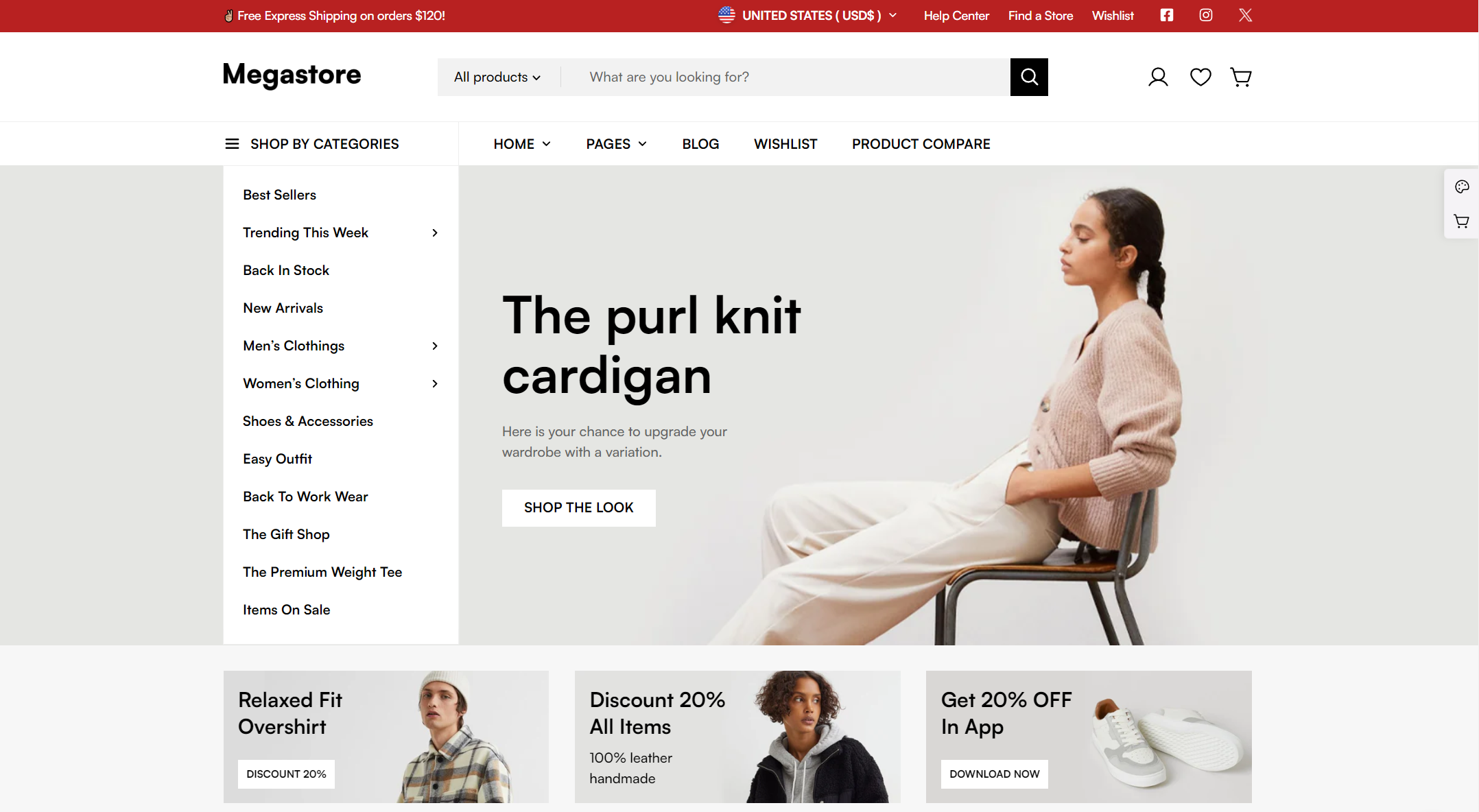
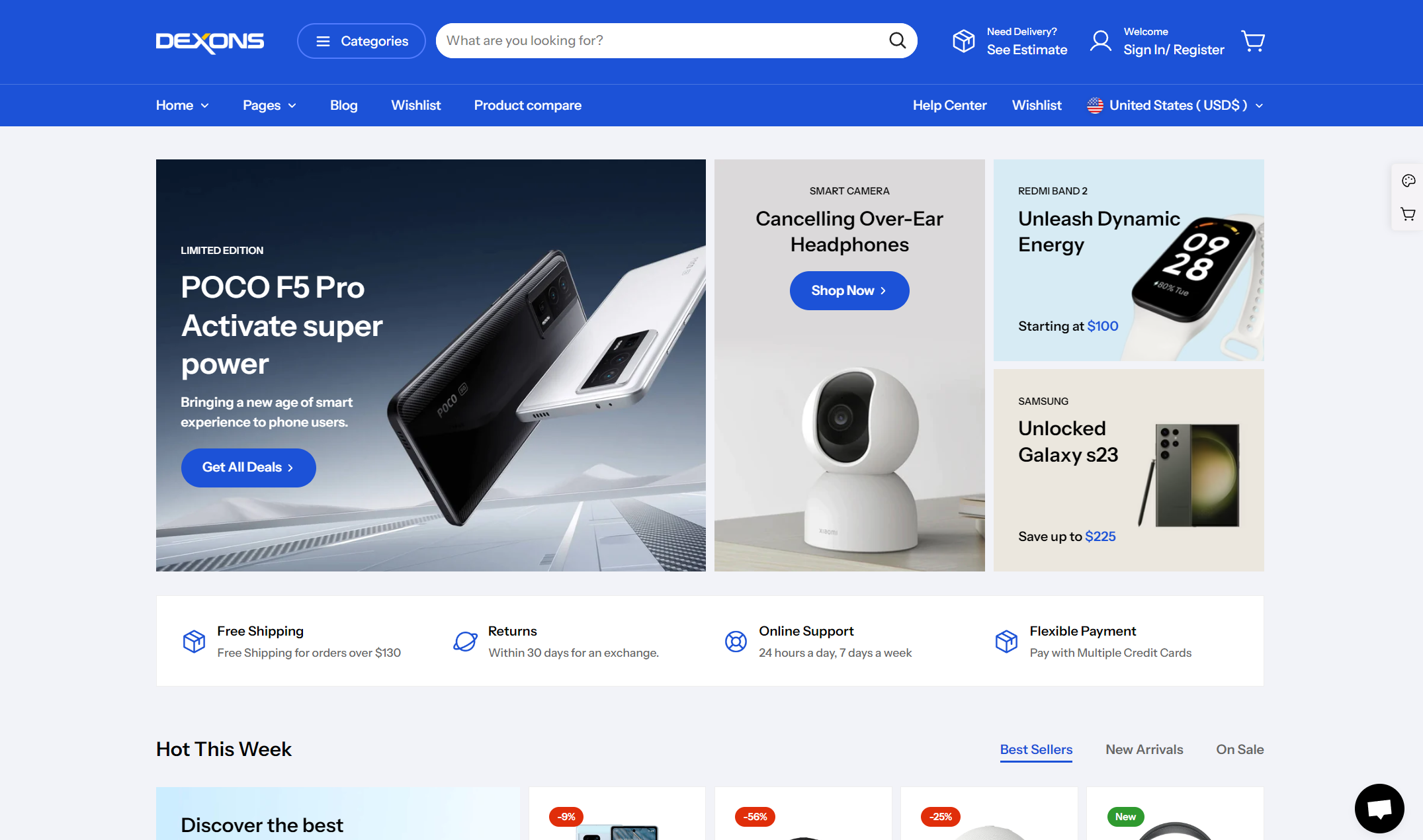
Megamog offers **5 dazzling ready-to-use demos** from a mega pet store to furniture, hobby, even grocery, to unlock endless possibilities.
Each demo is crafted to perfection, offering a unique and immersive experience tailored to different industries.
> #### 📝 Before you begin
>
> New to Shopify? Make sure you're familiar with the platform first — we recommend reviewing the [Shopify Manual](https://help.shopify.com/) before using Minimog.
## Discover Megamog Docs
## Free Trial
Yes, you can **try out Megamog for free**!
We are happy to provide an **unlimited trial period** so you can try out Megamog theme before buying it to ensure that the theme is well fit for your needs.
To install Megamog as a trial theme, visit [FoxHome](/foxhome). See [Install demo](https://docs.foxecom.com/foxhome/theme-manager/install-demo).
**Important**: The trial theme is only for testing 🚨
You can use any features, settings, and design.
However, you 🛑 **cannot publish it to your live store, or copy the data** 🛑 of the trial theme (even after activating the license).