# Combined listings app
The [Shopify Combined Listings app](https://apps.shopify.com/combined-listings) is currently limited to [Shopify Plus customers](https://help.shopify.com/en/manual/intro-to-shopify/pricing-plans/plans-features/shopify-plus-plan).
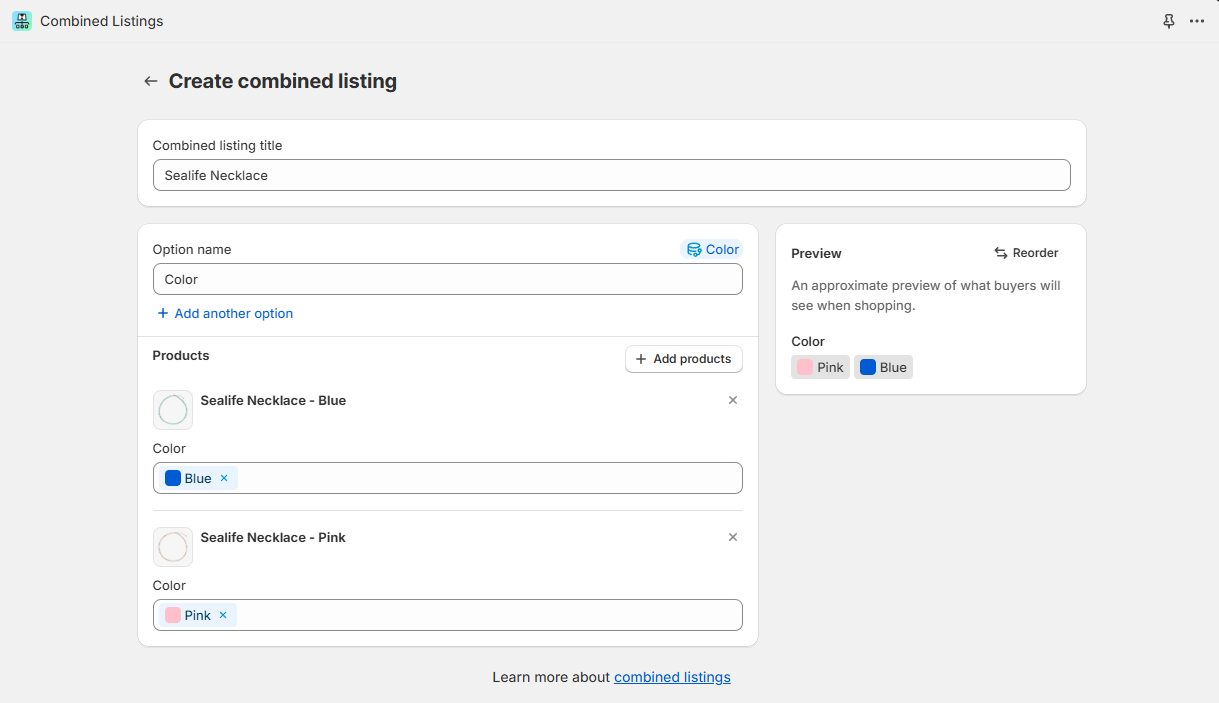
Combined listings use Shopify's existing product model to create combinations of multiple child products under a single parent product. When a customer views the parent or child products in your online store, they will see a single product with all of the options available to them across all of the child products.
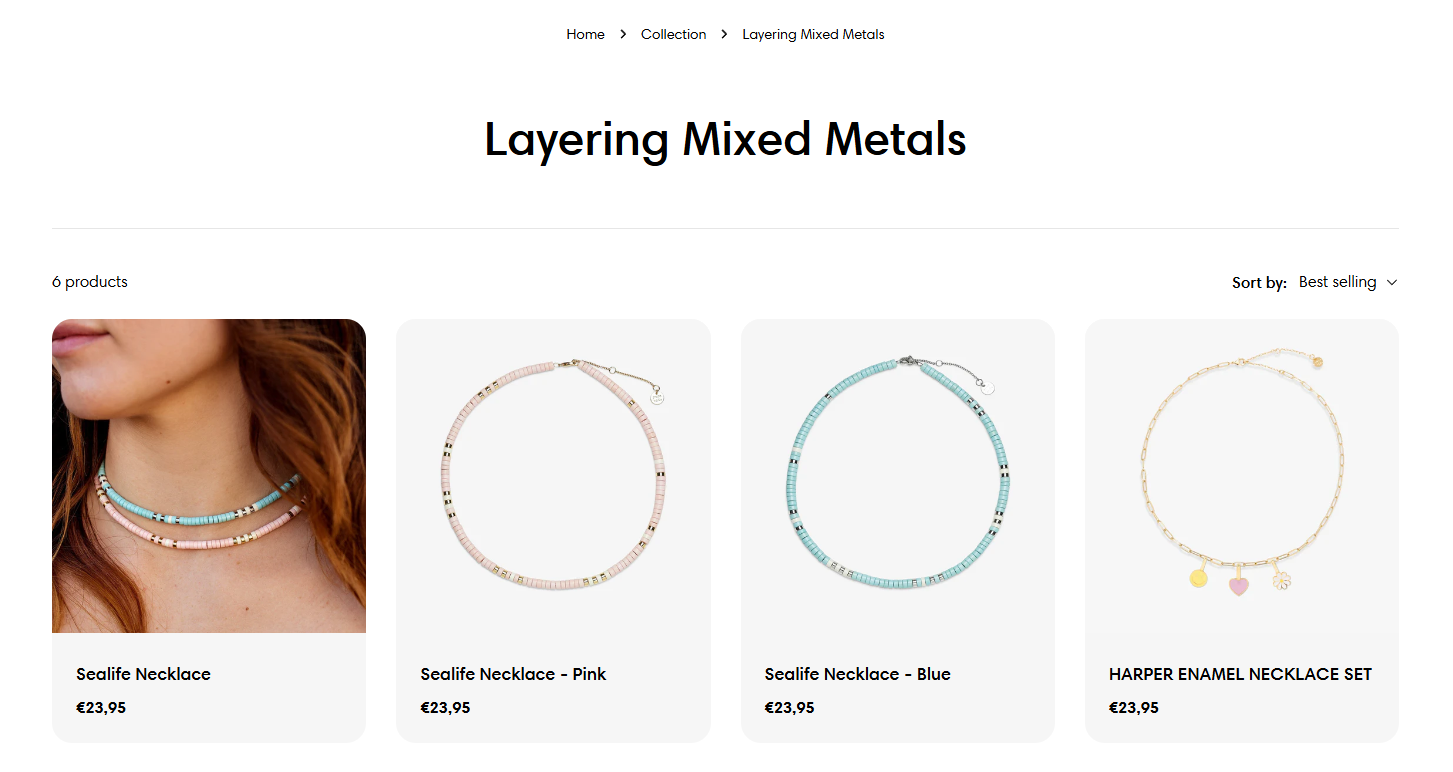
*For example:* We have a necklace item that comes with two color variants, and you have each of the colors as a separate product, then you can create a combined listing that displays those two products on the same product page.
## Next steps
✅ See [limitations apply to combined listings apps](https://help.shopify.com/en/manual/products/combined-listings/overview#limitations).
✅ Learn how to [create a combined listing](https://help.shopify.com/en/manual/products/combined-listings/create-combined-listing).