# BOGOS: Free Gift Bundle Upsell
## What is BOGOS: Free Gift Bundle Upsell?
BOGOS: Free Gift Bundle Upsell (formerly Free Gifts by Secomapp) is an one-stop app to create: Free gift with purchase, Bundle, Mix & match, Volume Discount, Cart message, Frequently Bought Together.
You can offer free gifts and discounts through auto add to cart, a gift slider, or product page widgets. Easily set up and manage multiple offers with specific targeting, customizable UI, translation, and real-time analytics.
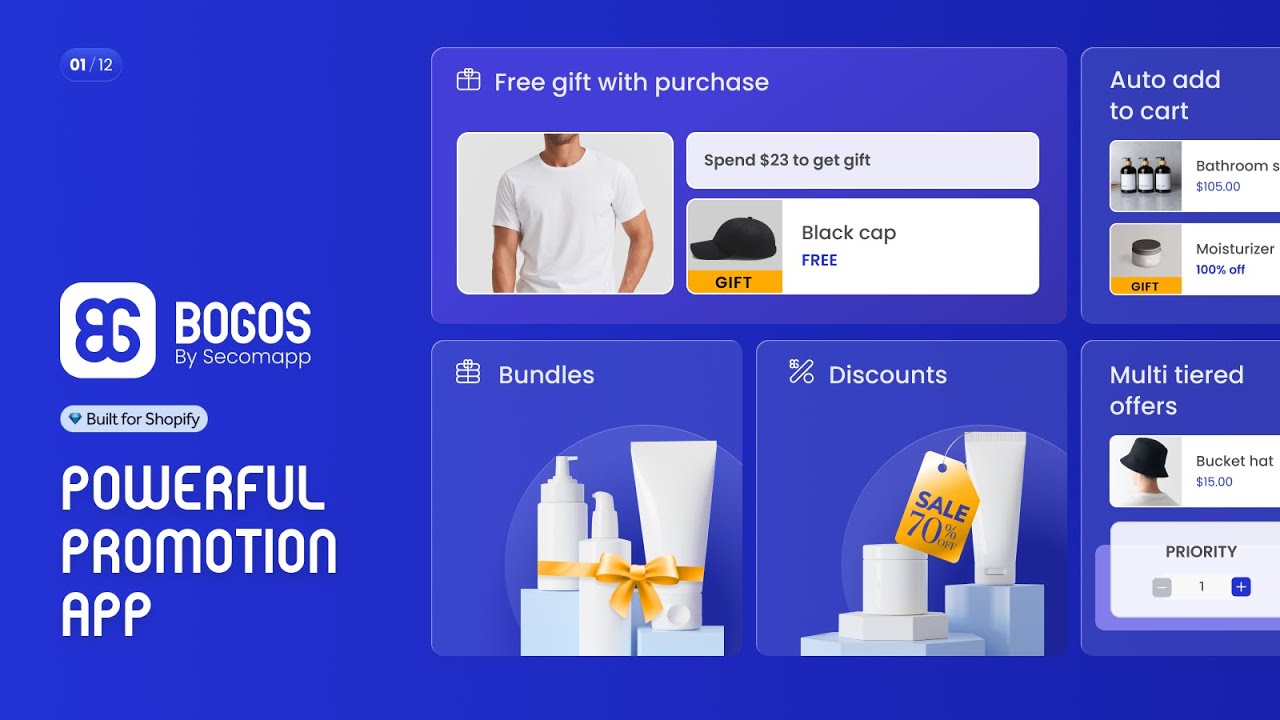
**What you can do with BOGOS: Free Gift Bundle Upsell:**
* BOGO, BXGY, Free gift, Bundle builder, Mix and match, Volume discounts, Upsell
* Simple reward methods: auto add to cart, gift slider, bundle and upsell widget
* Intuitive and fully customizable UI for gwp, bundle, discount and upsell
* Advanced targeting: specific URL, location, order history, and customer tag
* Seamlessly integrate with Shopify POS, mobile app, headless and hydrogen API
## How to use BOGOS: Free Gift Bundle Upsell in Foxify Smart Page Builder
### Install BOGOS: Free Gift Bundle Upsell from the Shopify App Store
Before using the app widget in Foxify, you have to install it in your Shopify store and configure the app settings. If you’re new to this app, check [its documentation](https://bogos-guideline.gitbook.io/user-guide) to understand how it works.
Steps:
1. Log in to the Shopify App Store.
2. Find the [BOGOS: Free Gift Bundle Upsell app](https://apps.shopify.com/freegifts) and click **Install**.
3. In your Shopify admin, to authorize the use of the app, click **Install.**
After the app is installed, you can view and use it from the **Apps** page in your Shopify admin.
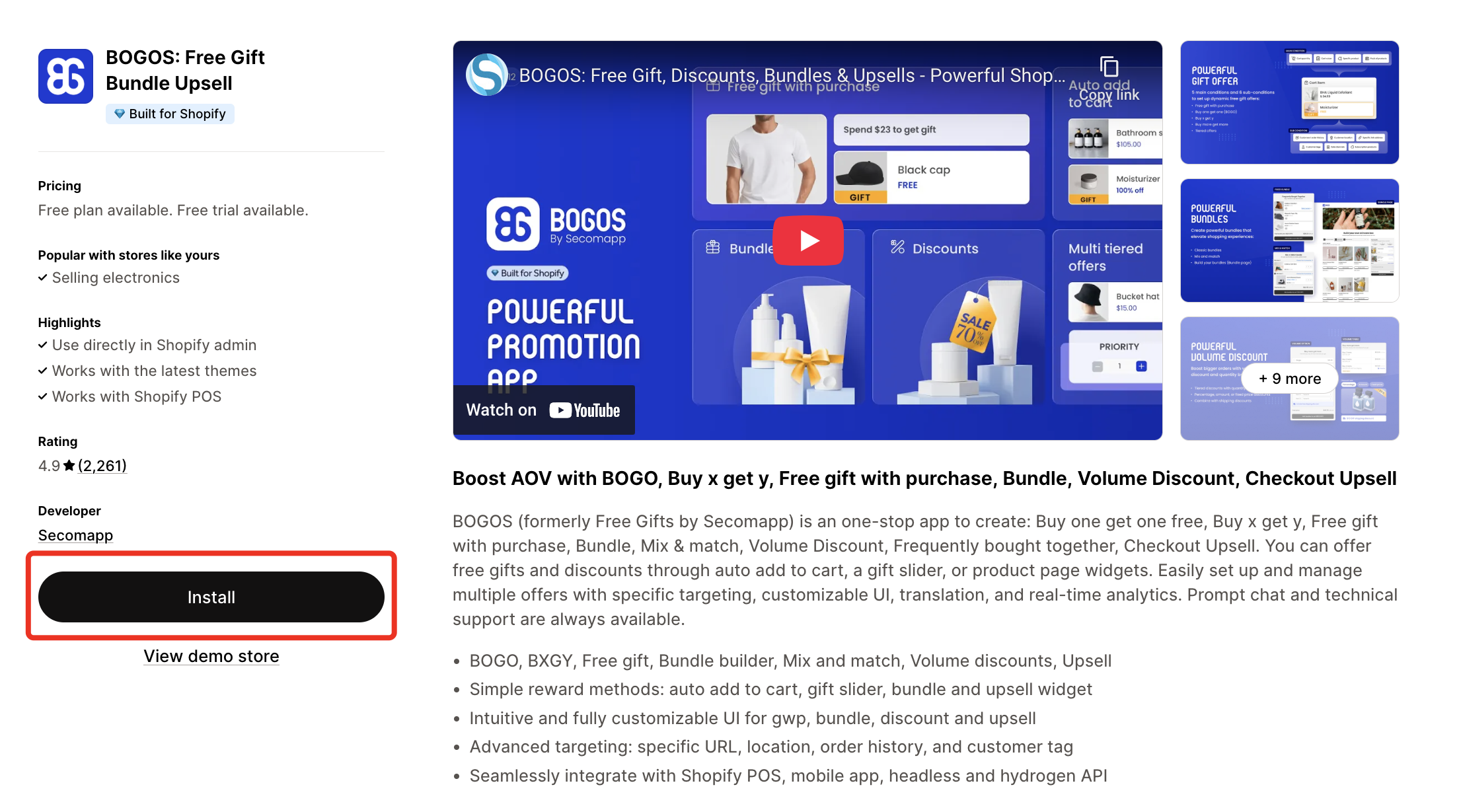
Here’s how you can insert **BOGOS: Free Gift Bundle Upsell** inside the **Main product information** section, or **Featured product** section.
### Set up BOGOS: Free Gift Bundle Upsell with Foxify
BOGOS: Free Gift Bundle Upsell has been integrated as a built-in extension in Foxify Smart Pagebuilder, so all you need to do is:
Steps:
1. In your **Foxify dashboard**, open a page (or create a new one) in which you want to embed BOGOS: Free Gift Bundle Upsell feature
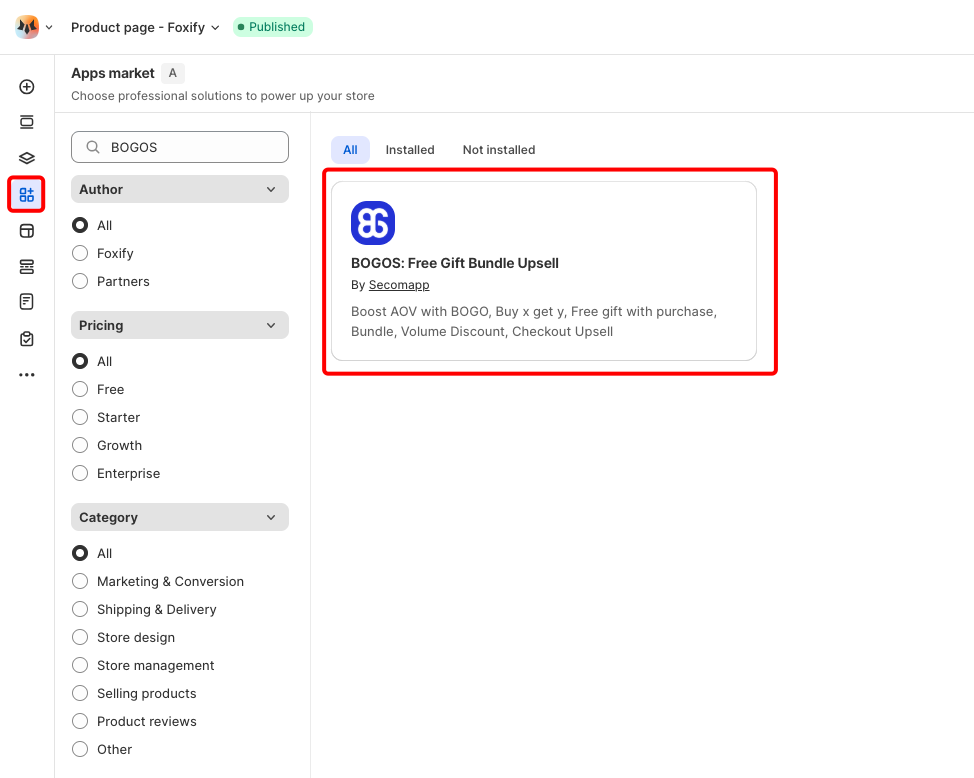
2. On the left sidebar, select **App Extensions**; or press \[E]
3. **Filter for Author: Partner**, look for **BOGOS**
4. Choose **Install Extension**
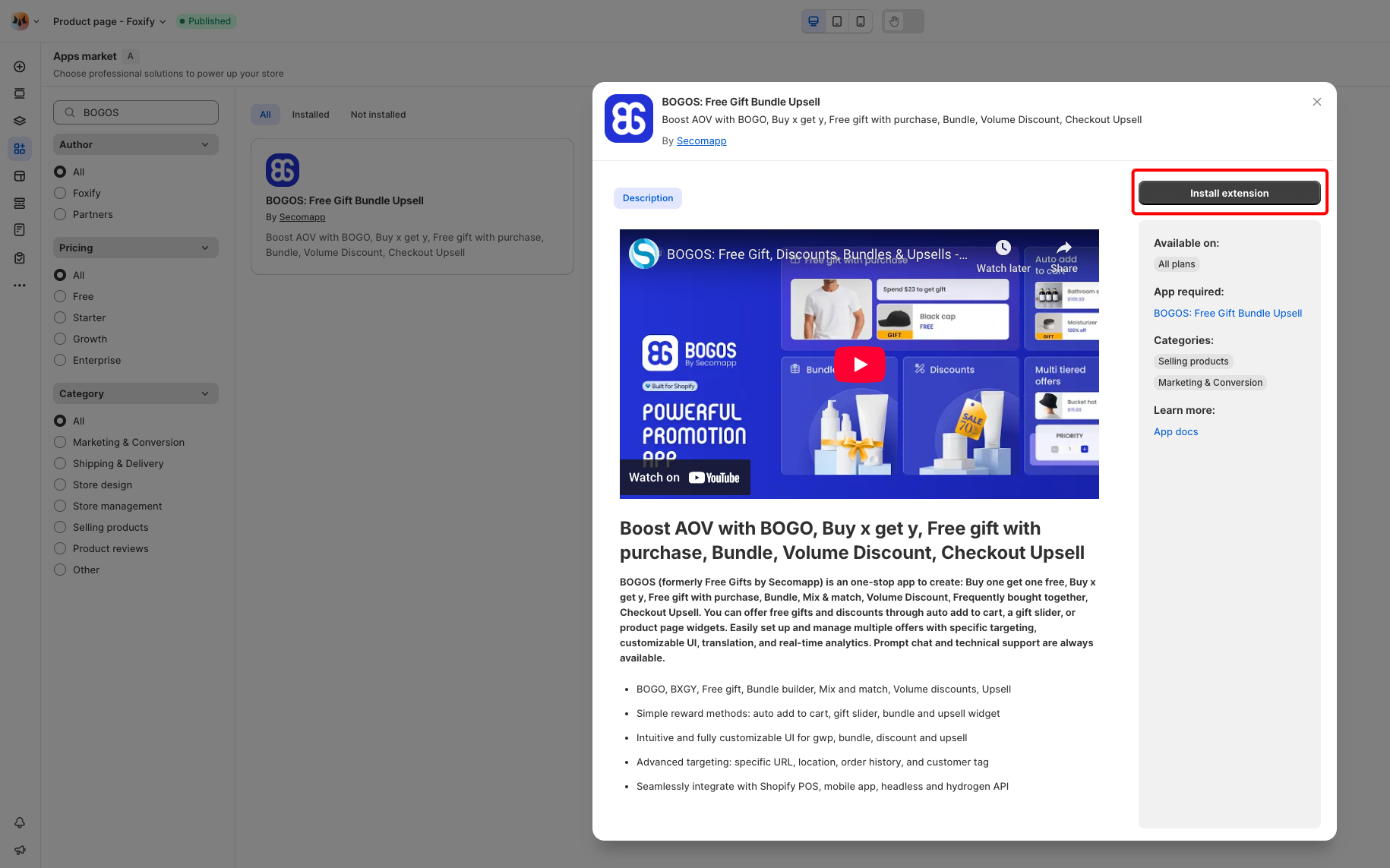
Once you see a green **checkmark** next to BOGOS: Free Gift Bundle Upsell, it means BOGOS: Free Gift Bundle Upsell has been activated and is now ready to be featured
### Set up BOGOS: Free Gift Bundle Upsell's widget
Steps:
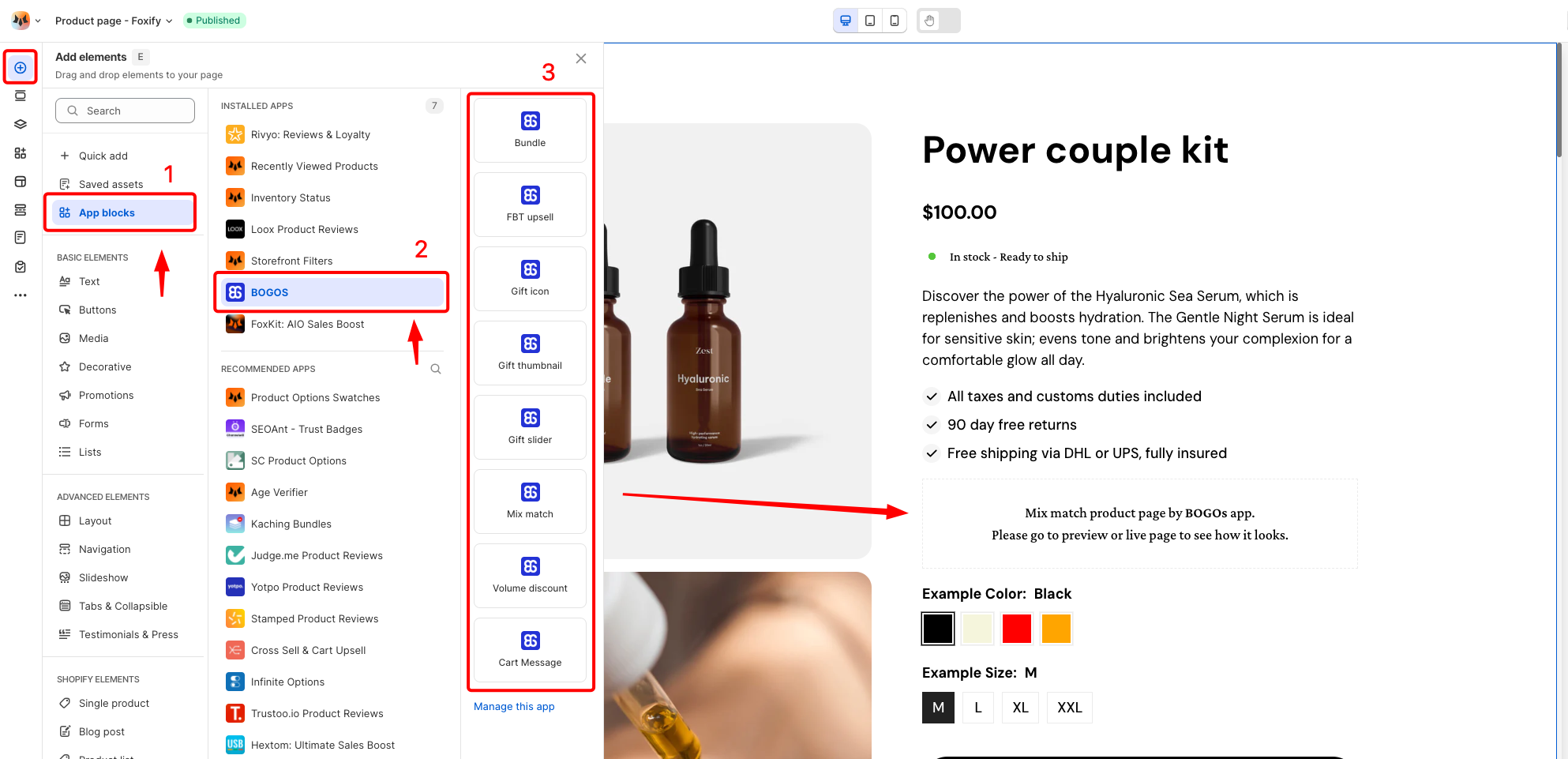
1. In **Pages manager**, open the page you want to add the app features to. Select **Add element > App blocks.**
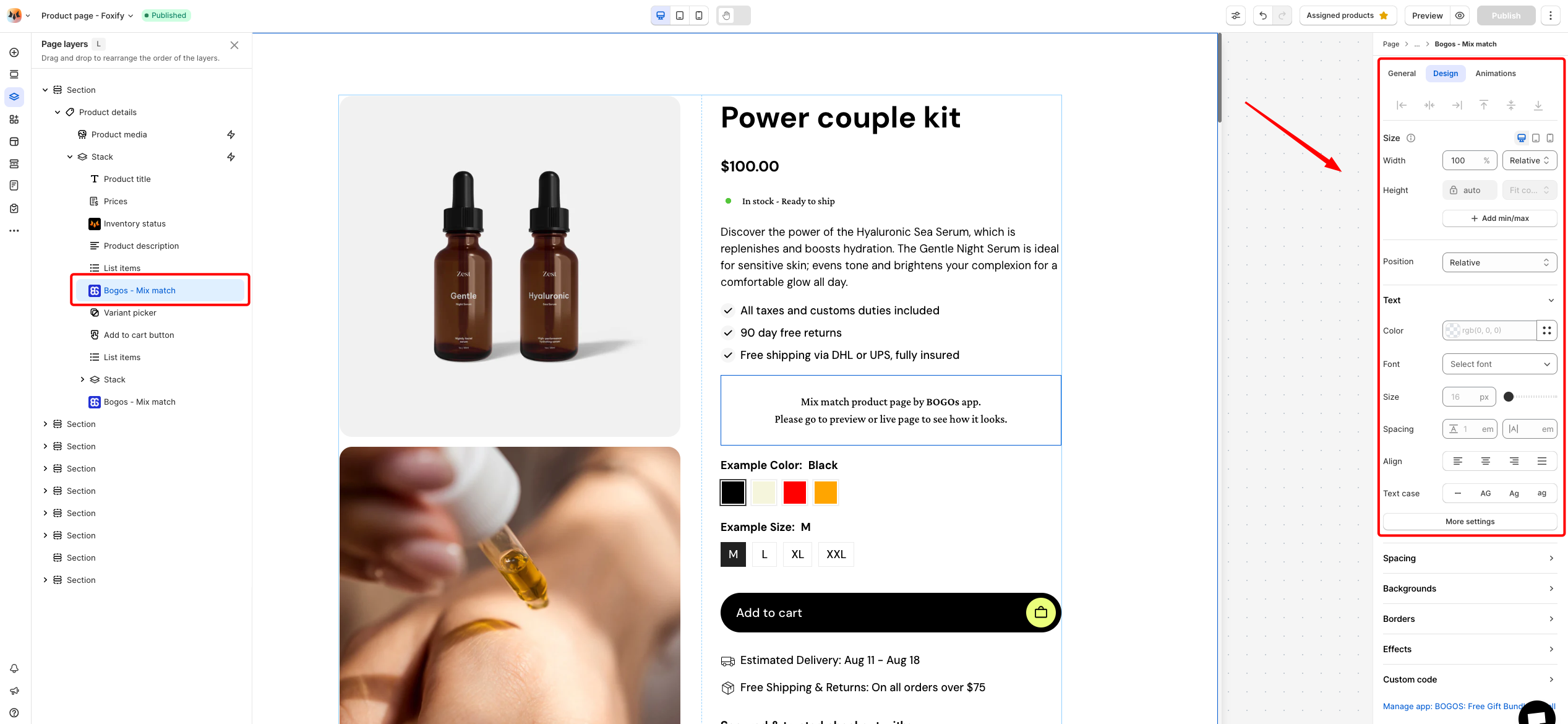
2. Select BOGOS: Free Gift Bundle Upsell's widget from the **Installed apps** list, and drag the app widget you want to feature on your page.
3. Adjust the element's sizing if needed.
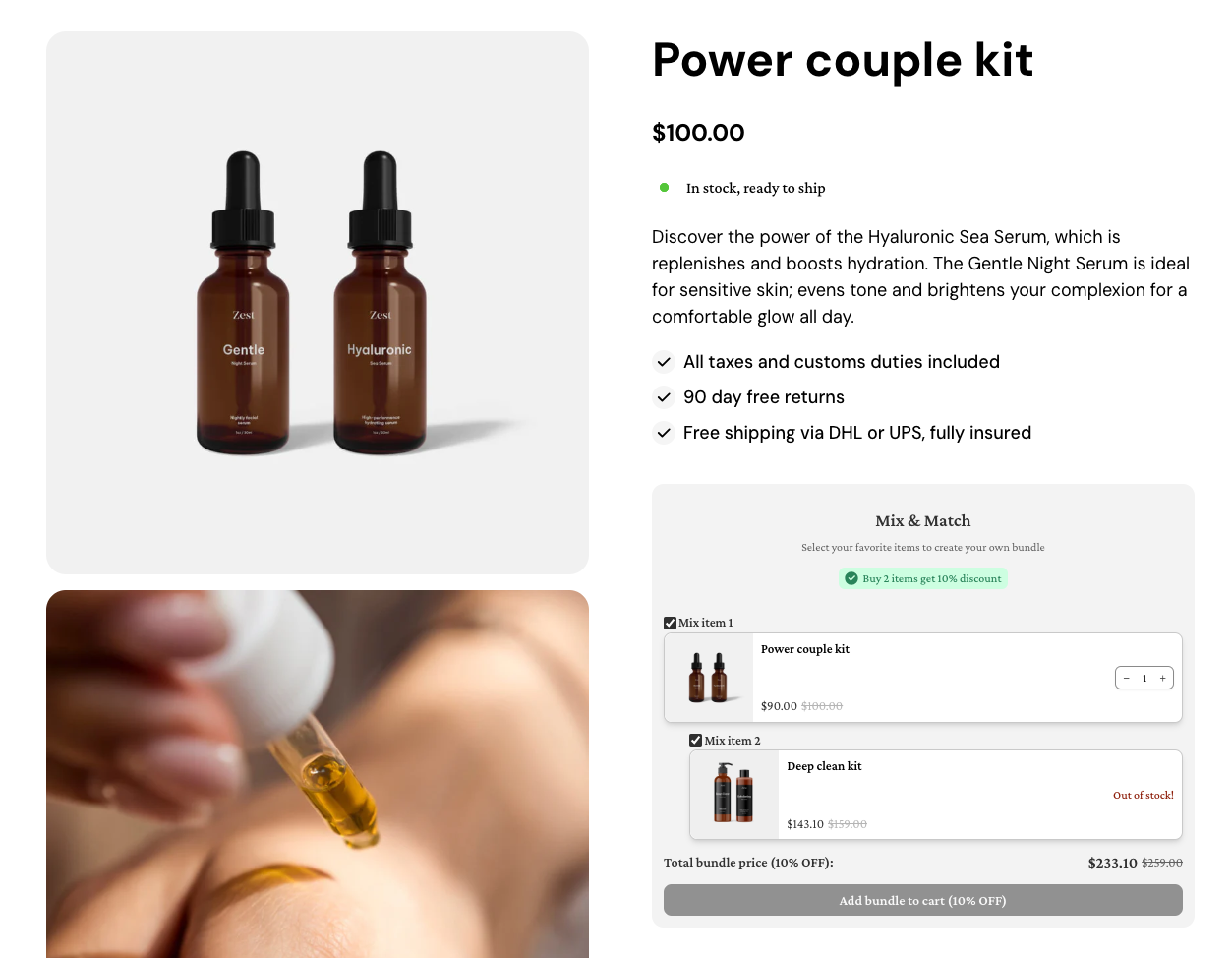
4. **Save** the changes and go to the preview page or live page to see the app widget.
## App widgets available in Foxify
* **Bundle:** Display a pre-fixed collection of two or more items which is often sold together at a discounted price to encourage shoppers to purchase.
* **FBT Upsell:** Displays a group of complementary products often purchased alongside the item they are currently viewing.
* **Gift icon:** Showcases the products customers need to buy to get a gift
* **Gift thumbnail:** Displays a small preview image of the gift item on eligible products or in promotional widgets.
* **Gift slider:** Displays all the gift products that customers are eligible to receive and will appear when customers meet the conditions of the offers.
* **Mix match:** Allow customers to choose a combination of products from a pre-selected collection.
* **Volume discount:** Offer tiered discounts based on the quantity of items purchased.
* **Cart message:** Show up on the cart page to notify customers about the offer.