# BON Loyalty Program & Rewards
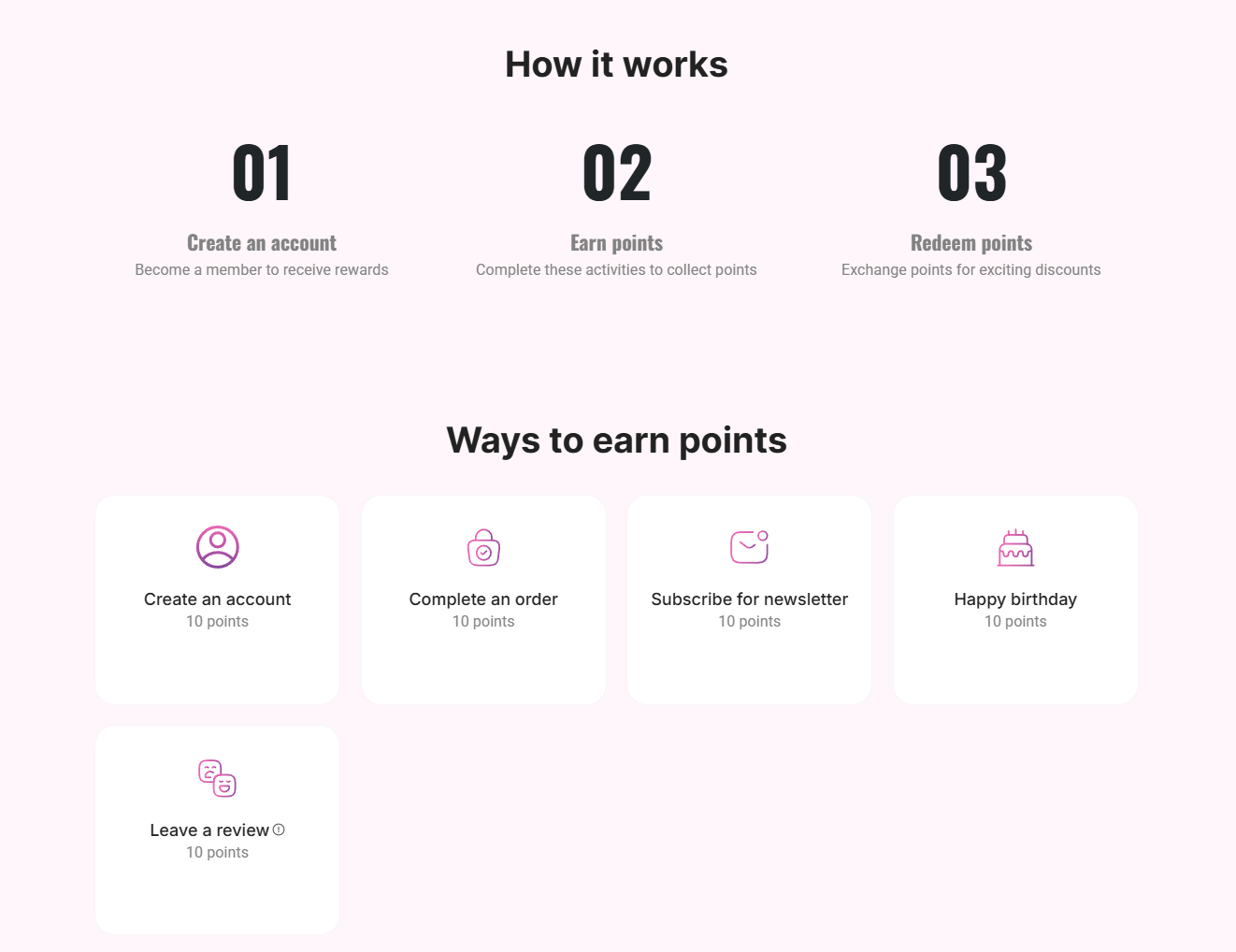
BON Loyalty is an all-in-one rewards and referral app for Shopify stores that want to build stronger customer relationships and increase retention. This article will walk you through how to integrate BON Loyalty with the Foxify Page Builder to design engaging loyalty experiences across your storefront.
## What is BON Loyalty Program & Rewards?
BON Loyalty is a top 5 loyalty program builder on Shopify that helps merchants retain customers better through post-sales engagement. Let's say [Foxify Page Builder](https://foxecom.com/products/foxify-shopify-app?utm_source=foxecom\&utm_medium=help_center_foxify_bon_loyalty_program_rewards\&utm_campaign=anchor-text\&utm_term=foxify_page_builder) helps you catch visitors' attention, while [FoxKit Sales Booster](https://foxecom.com/products/foxkit-shopify-app?utm_source=foxecom\&utm_medium=help_center_foxify_bon_loyalty_program_rewards\&utm_campaign=anchor-text\&utm_term=foxkit_sales_booster) motivates them to purchase. However, to ensure lasting business revenue, it's crucial to keep customers returning, which falls under BON Loyalty specialty.
**What you can do with BON Loyalty**:
* Promote post-purchase interaction through a points-based system that offers discounts and rewards for online & POS customers
* Motivate buyers to return on special occasions (birthday gift, point expiry reminder, …)
* Reward high-spending buyers through VIP tiers
* Make your loyalty program stand out with tons of customization options
* Approach customers worldwide with 250+ languages displayed simultaneously
👉 [Install BON Loyalty and access your free loyalty suite](https://apps.shopify.com/bon-loyalty-rewards).
## How to use BON Loyalty with Foxify Smart Page Builder
### Install BON Loyalty Program & Rewards from the Shopify App Store
Before using the app widget in Foxify, you have to install it in your Shopify store and configure the app settings. If you’re new to this app, check [its documentation](https://bonloyalty.com/) to understand how it works.
Steps:
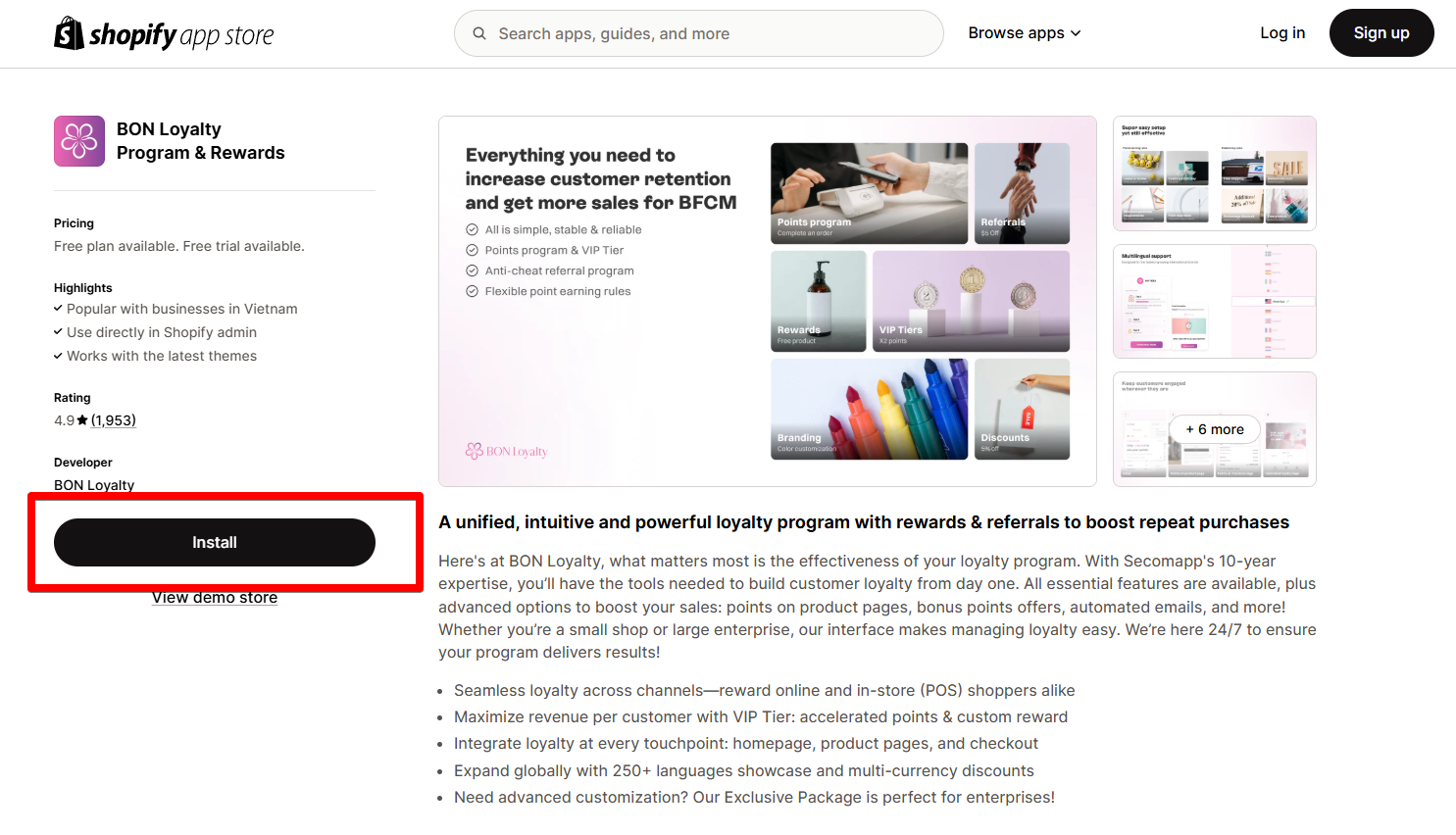
1. Log in to the Shopify App Store.
2. Find the BON Loyalty Program & Rewards app and click **Install**.
3. In your Shopify admin, to authorize the use of the app, click **Install.**
After the app is installed, you can view and use it from the **Apps** page in your Shopify admin.
### Set up BON Loyalty with Foxify
BON Loyalty has been integrated as a built-in extension in Foxify Page Builder, so all you need to do is:
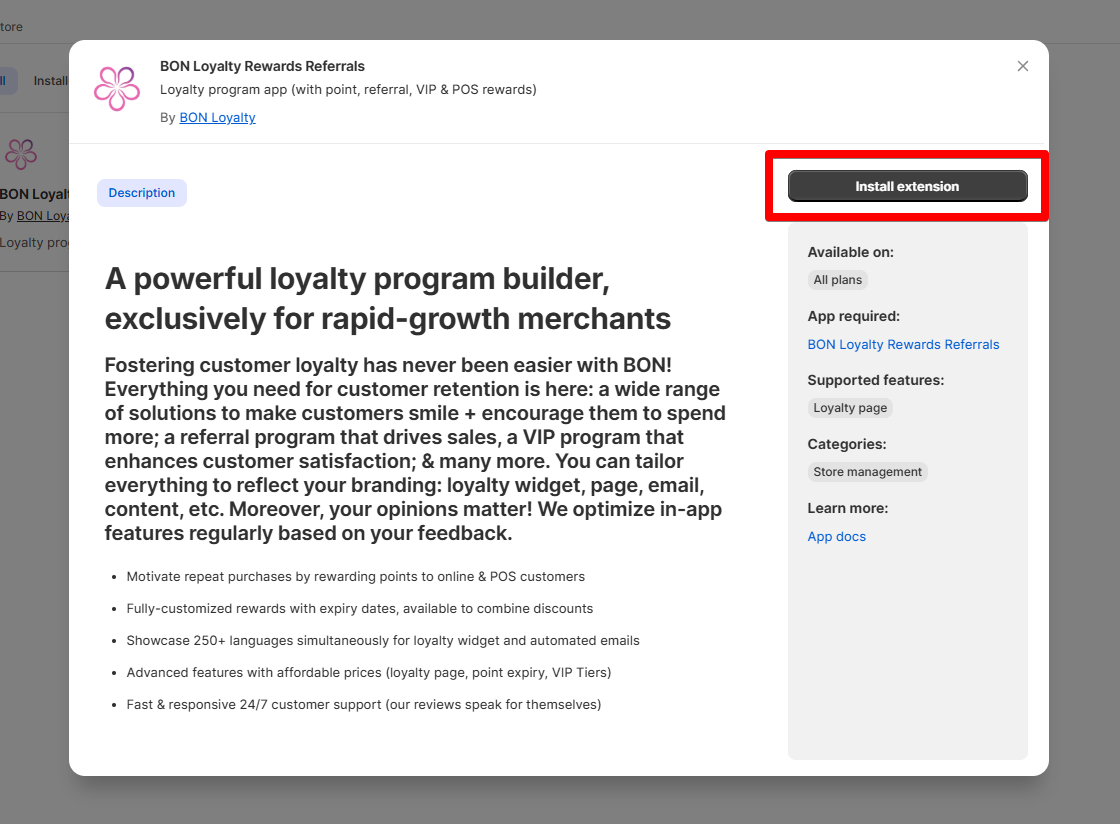
1. In your **Foxify dashboard**, select **App Extensions.**
2. Look for **BON Loyalty** and Choose **Install extension.**
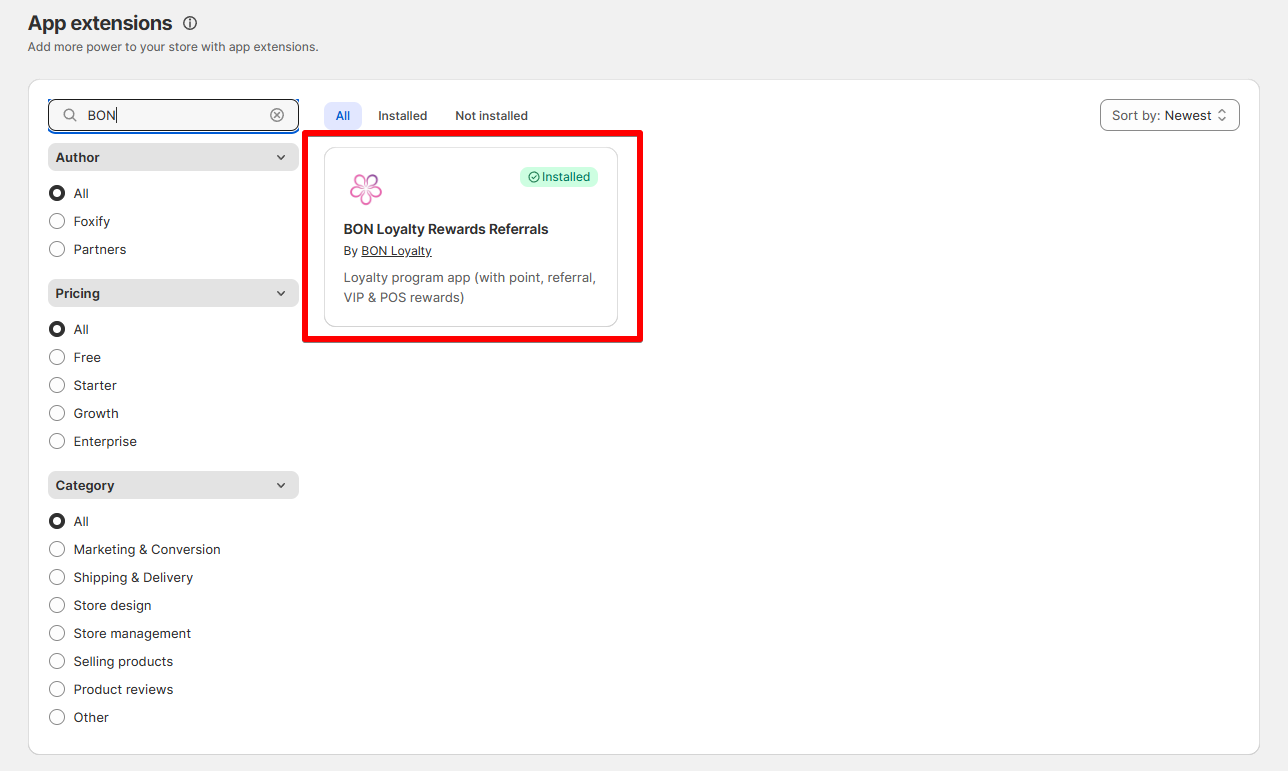
Once you see a green checkmark next to **BON Loyalty** ✅**,** it means the app has been activated and is now ready to be featured.
3. In **Pages manager**, open the page you want to add the app features to. Select **Add element > App blocks.**
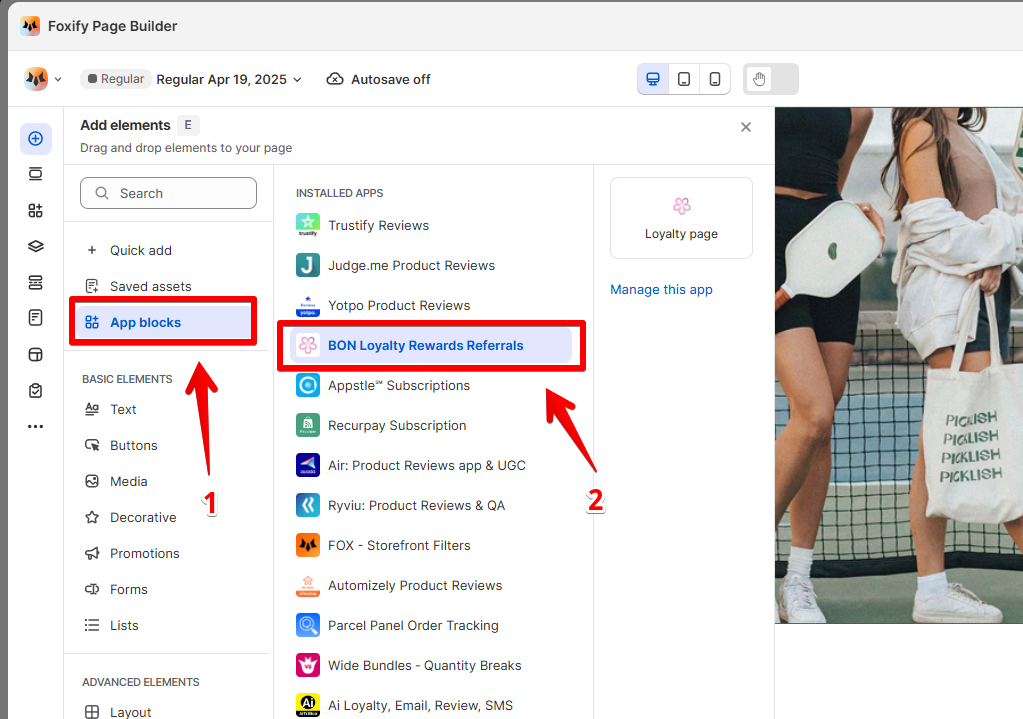
Select BON Loyalty from the **Installed apps** list, and drag the app widget you want to feature on your page.
5. Adjust the element's sizing if needed.
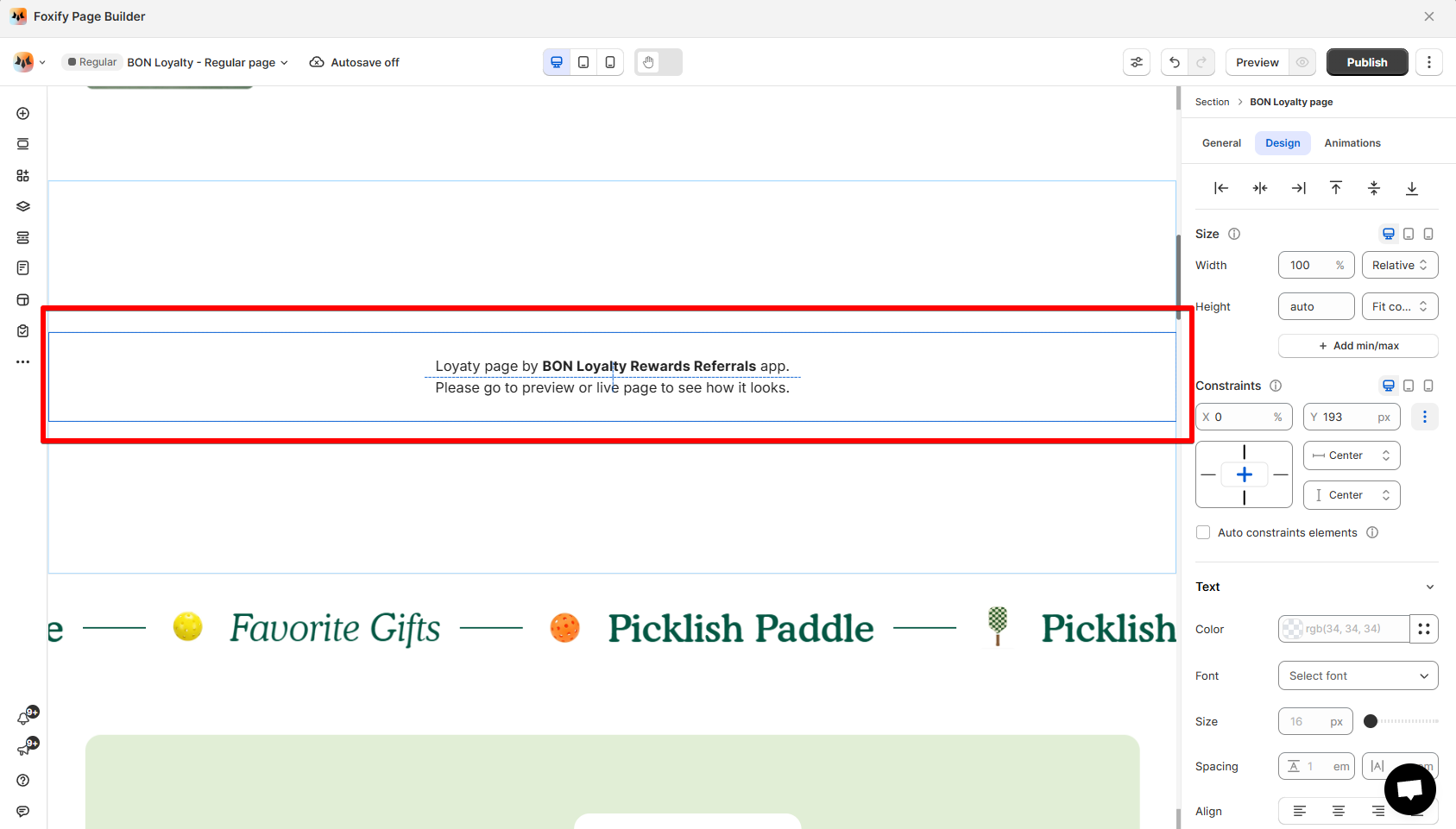
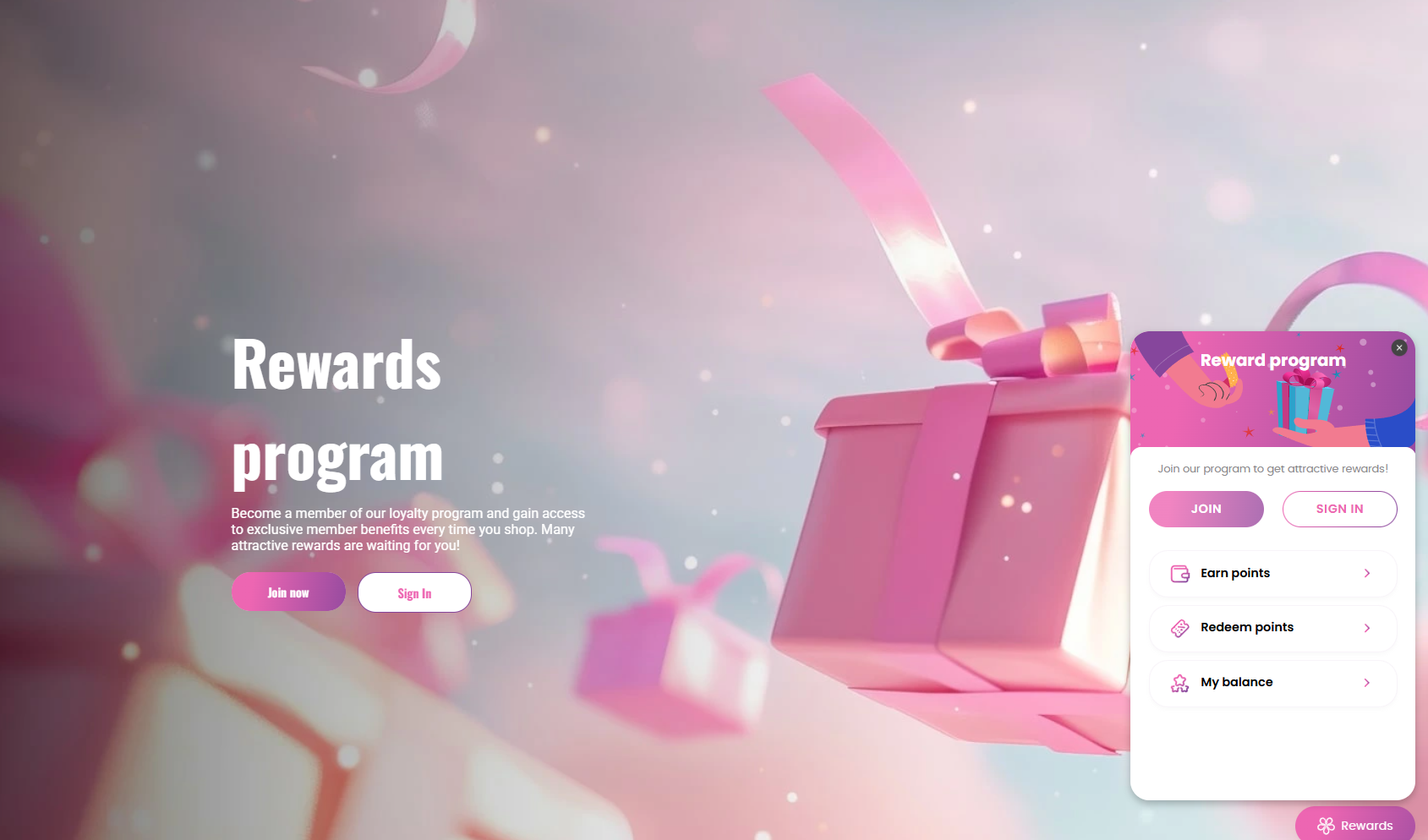
6. **Save** the changes and go to the preview page or live page to see the app widget.
## FAQs
### Does BON Loyalty have a Free plan?
Yes. The Free plan includes all core features and supports up to 250 monthly orders.
### **Can I create a referral program with BON**
Absolutely. BON includes a built-in referral program with email and social sharing tools.
### Is BON customizable for branding
Yes. You can fully customize the widget’s color, icons, text, and placement to match your store’s design.