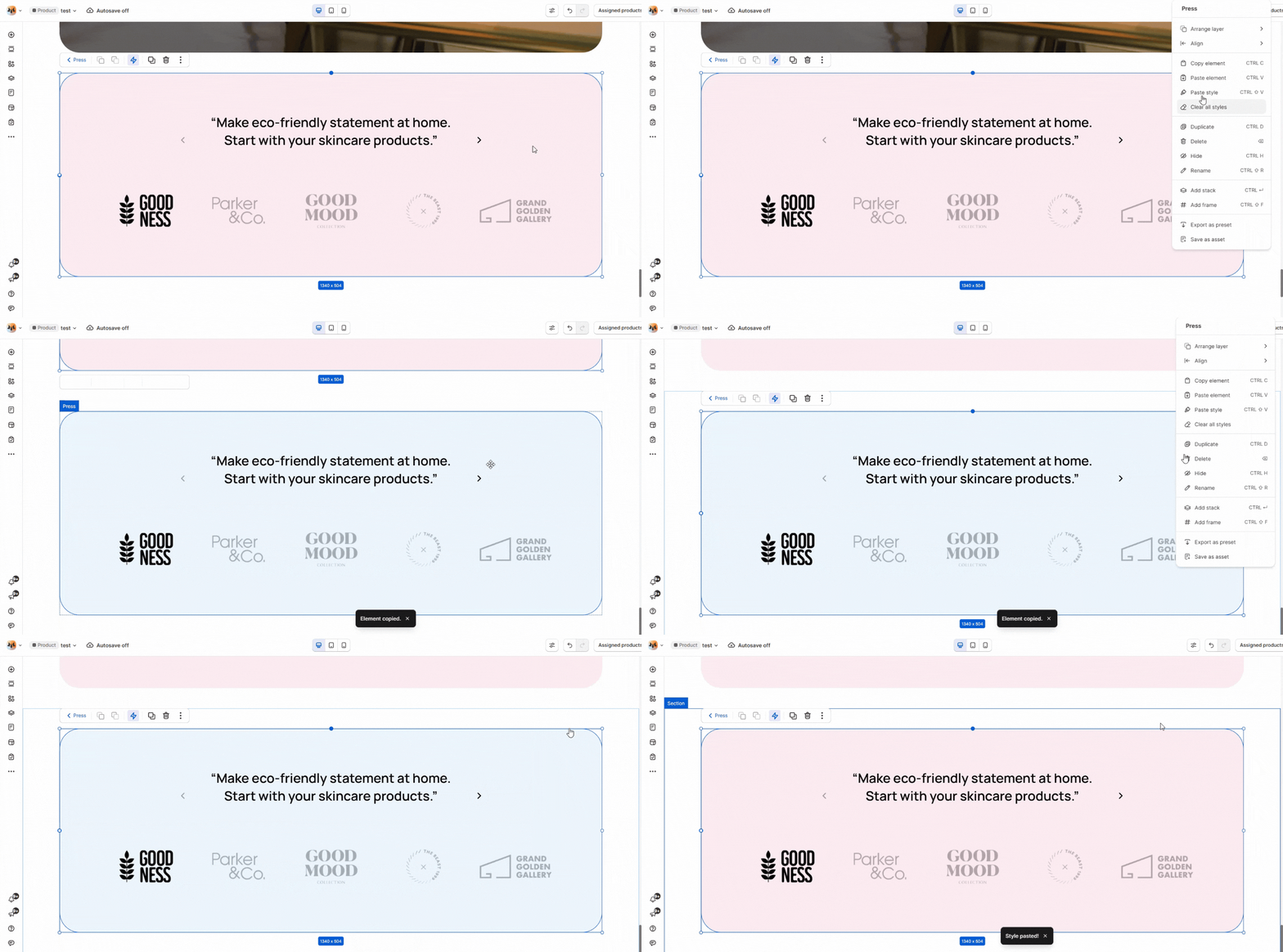
# Copy & Paste elements
Streamline your workflow with effortless design duplication.
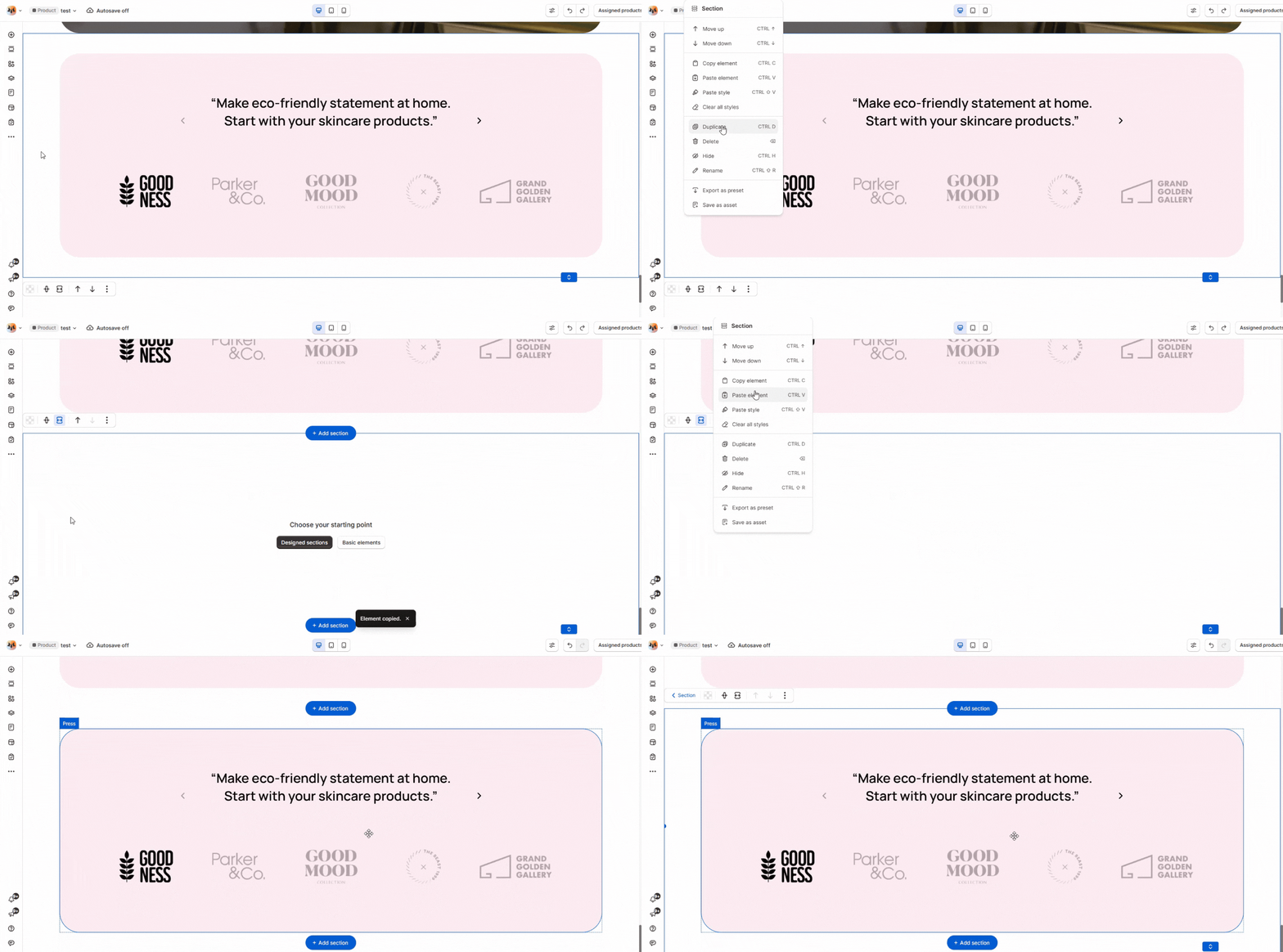
Easily copy and paste elements across pages to save time and maintain consistency. Simplify your design process by reusing copied elements without the need to recreate them.
## Copy elements
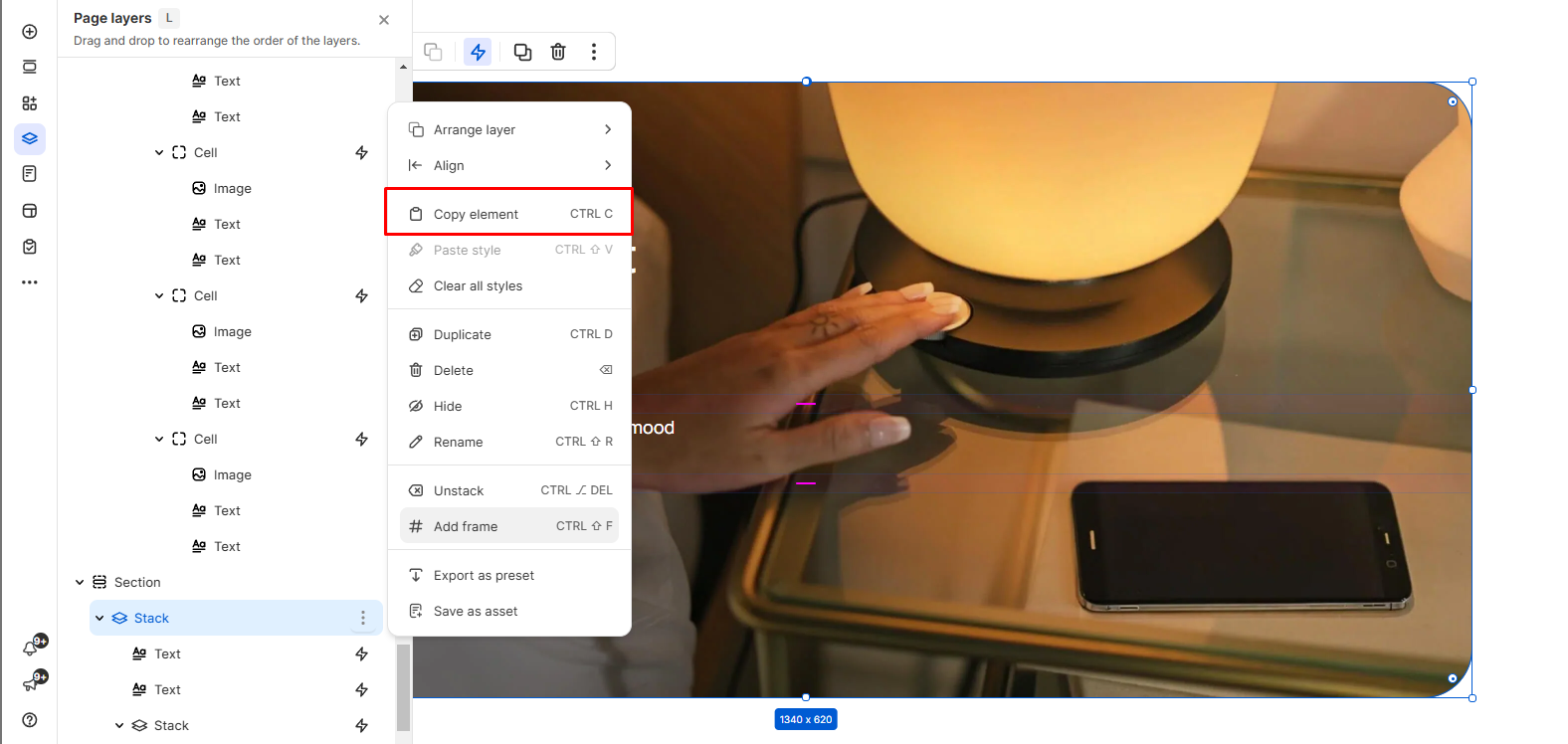
**Steps:**
1. Right-click the relevant element or section.
2. Click **Copy element**.
Right-click or use CMD + C (Mac) / Ctrl + C (Windows) to copy your selected element effortlessly.
## Paste elements
Easily copy and paste elements **anywhere** with two distinct paste options.
### **Paste element**
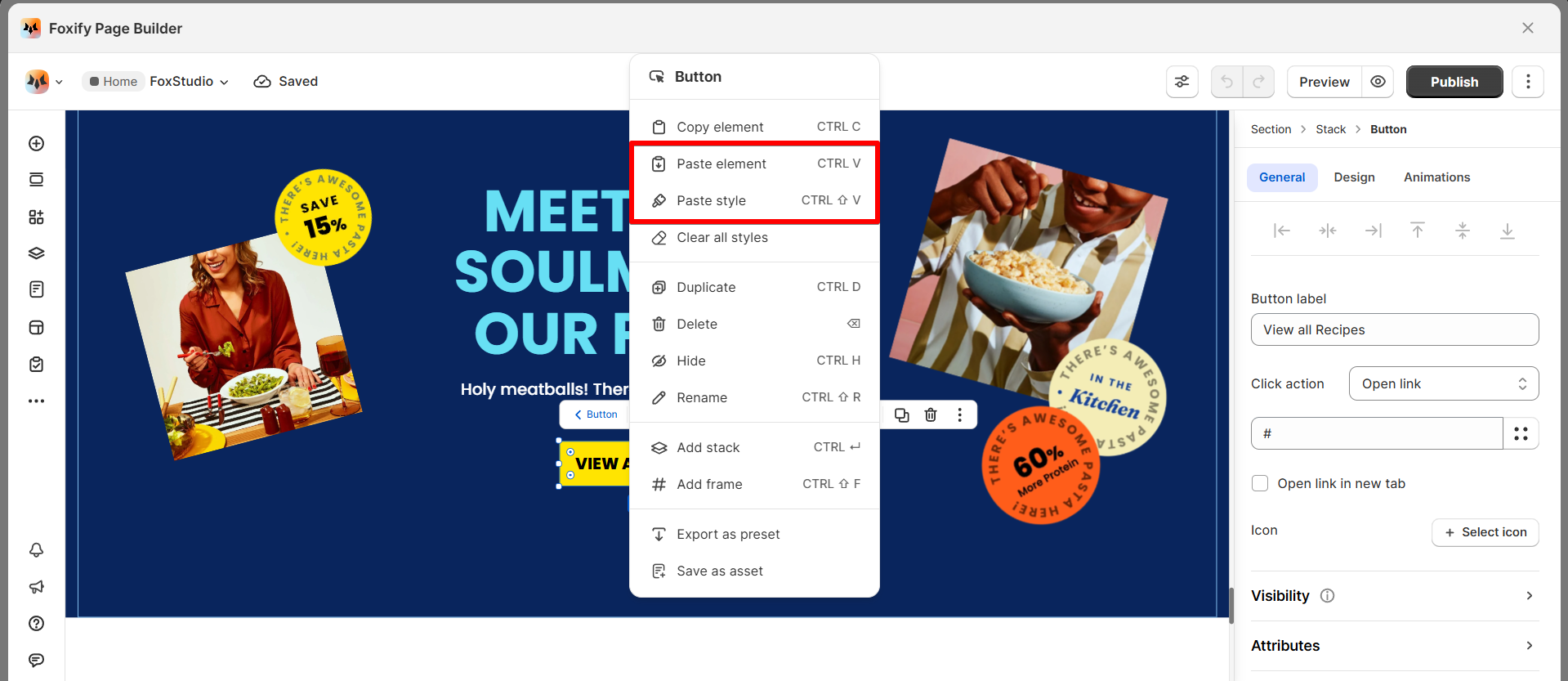
Paste the full copied element, including its content and design.
To paste elements (including its content and design), right-click where you want to paste and seclect **Paste element** or use the keyboard shortcuts: **CTRL + V** (Windows)/**CMD + V** (Mac).
This option allows you to duplicate the original element seamlessly onto any target location.
### **Paste style**
Apply the copied element's style to the target element.
To apply only the style of the copied element, right-click the element you want to paste and select **Paste style** or use the keyboard shortcuts **CTRL + SHIFT + V** (Windows)/**CMD + SHIFT + V** (Mac).
This option is ideal for maintaining design consistency without copying the full element.