# Styling text not applying or syncs across views
If you’re experiencing issues where:
* Styling (like font size, color, or weight) won’t apply to your text
* Changes you make on desktop view also affect mobile or tablet views unexpectedly
…it’s likely due to **invisible formatting** copied from another source.
## ❓ What’s causing this?
When you copy and paste content (e.g., from Google Docs, Notion, or a website), it often carries over **hidden formatting tags**. These can:
* Override Foxify’s native styling
* Break responsiveness settings between views
* Prevent your custom styles from applying properly
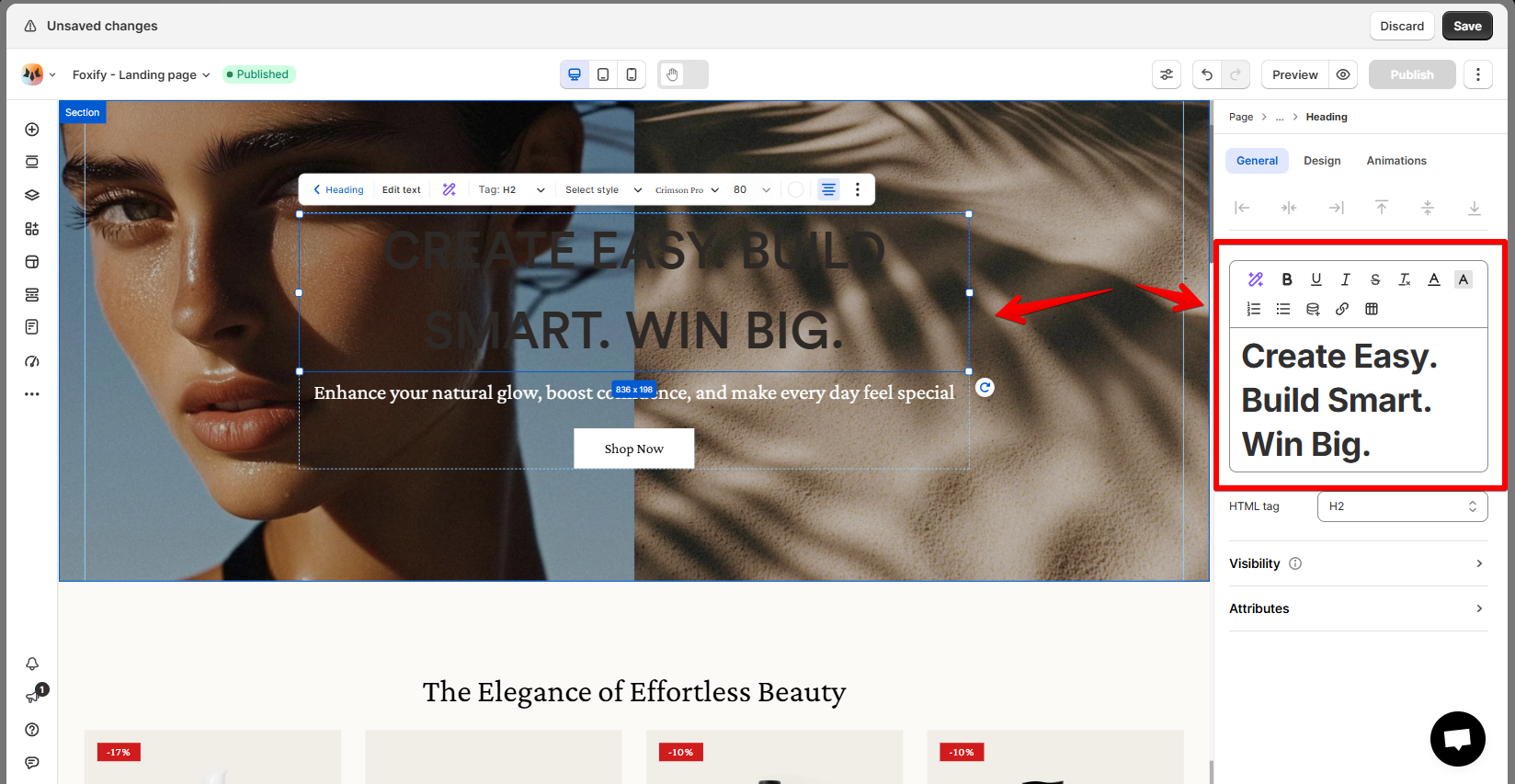
## ✅ Quick fix: Always paste as plain text
Use **Ctrl + Shift + V** (Windows) or **Cmd + Shift + Option + V** (Mac)\
Instead of **Ctrl + V** / **Cmd + V**
This will remove any hidden styles and ensure you're starting with clean text that Foxify can style correctly.
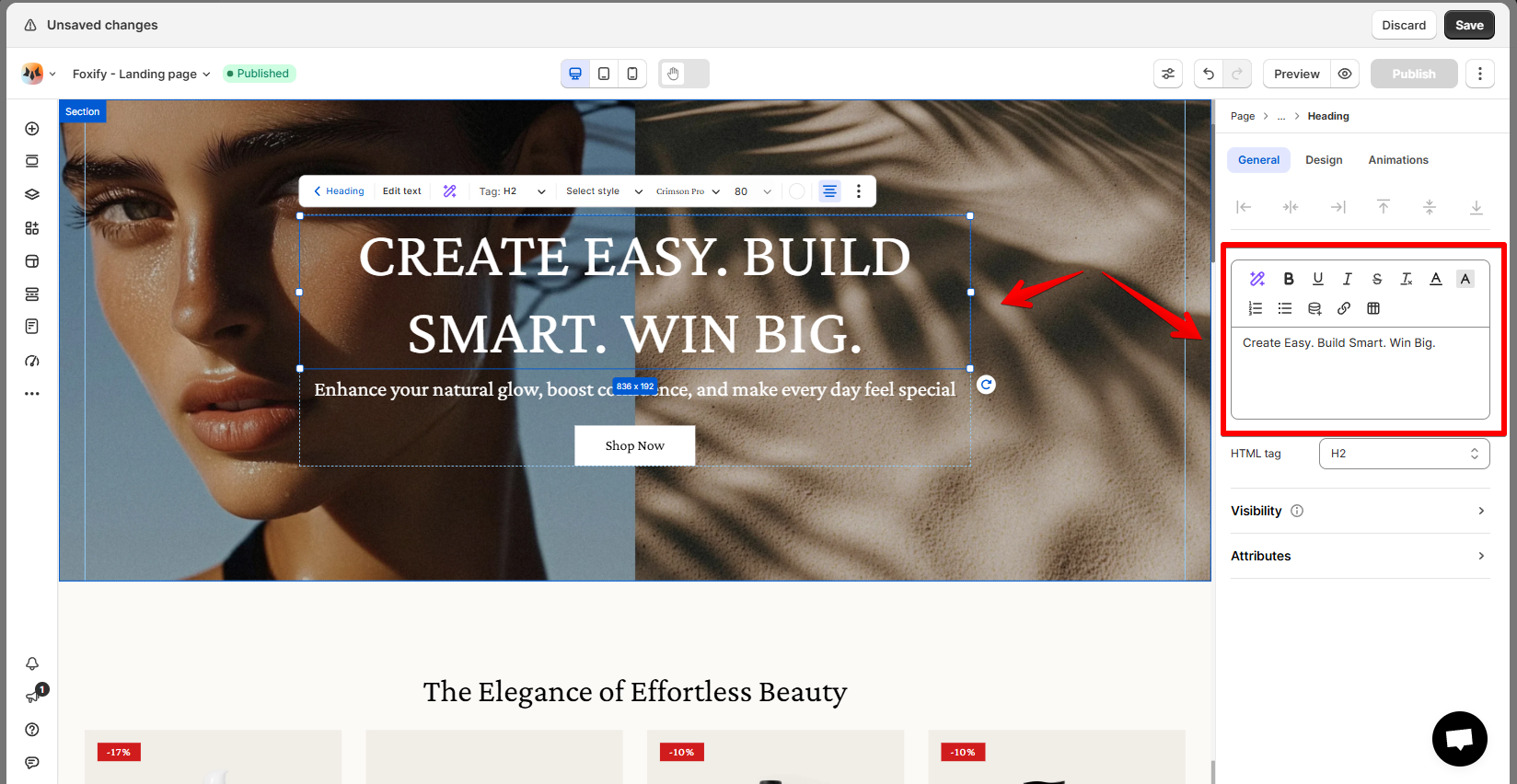
### 💡 Pro tip
If you've already pasted styled text:
1. Select the text block.
2. Delete the text and re-paste it using **plain text.**
3. Re-apply your custom styling (font, size, color, spacing, etc.).
4. Check the display in **Mobile**, **Tablet**, and **Desktop** views to confirm the fix.
### Still not working?
If the issue persists:
* Try removing the entire **Text block** and adding a new one
* Contact our support team for help with persistent formatting conflicts