# Referrals, Conversions, and Payouts
## Referrals Page
**Referral:** A store / client you refer to FoxEcom products (via referral link or manual submission)
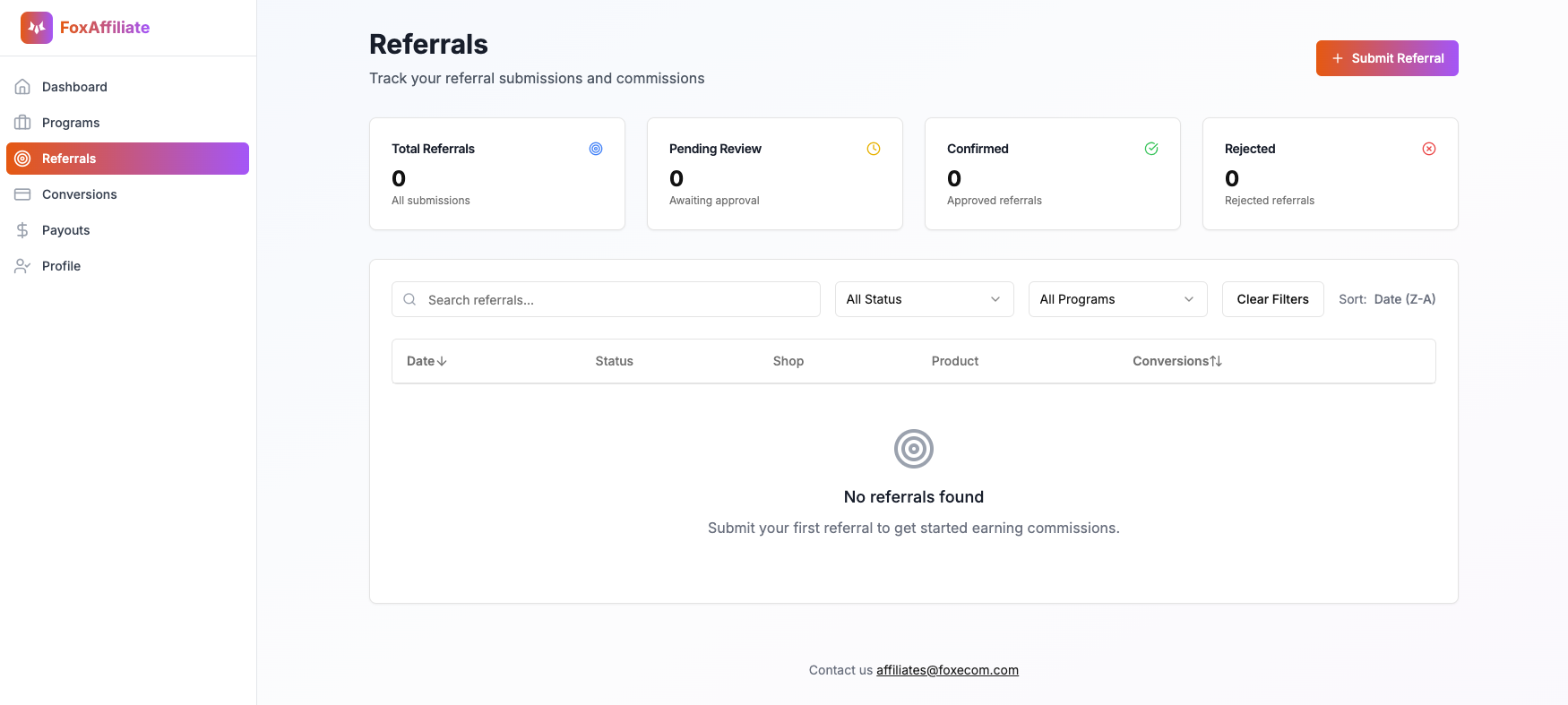
### What Affiliate Partners Can Do On This Page:
1. Manually submit theme referrals
2. View all submitted referrals: Pending, approved, and rejected leads
3. Track status in real-time: Pending, Confirmed, Rejected, Cancelled
4. Filter leads by date, program, or status
5. Search referrals by shop domain
### Referral Status Breakdown:
* Pending: Your submission is under manual review by the FoxEcom team
* Confirmed: The referral has been approved and qualified for commission
* Rejected: The referral was not accepted (e.g. invalid or duplicate)
* Cancelled: App referrals that no longer maintain an active paid subscription.
## Conversions Page
Conversion: A referral that results in a valid app's paid subscription or theme purchase, earning you a commission
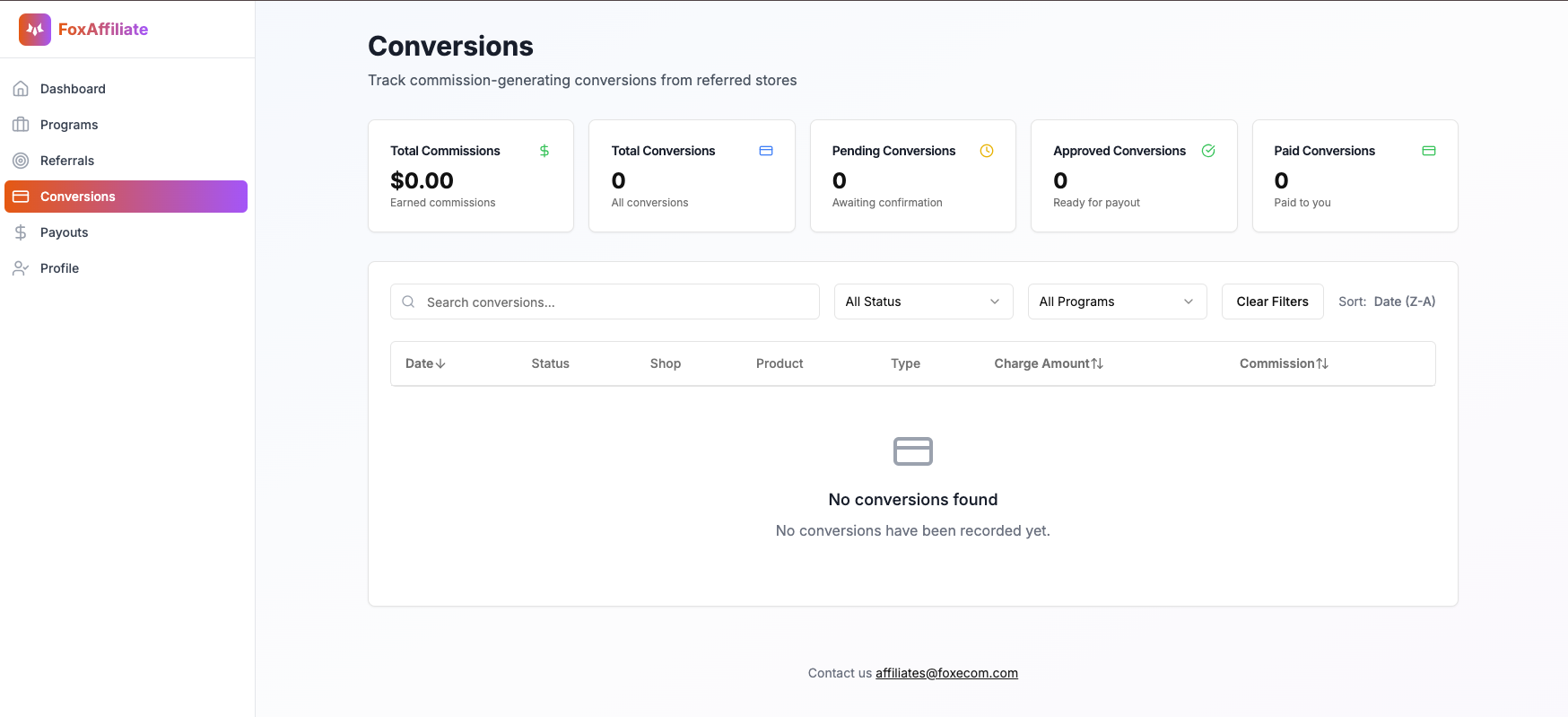
### What Affiliate Partners Can Do On This Page:
1. Track total commissions and the number of successful conversions
2. View conversion statuses: Pending, Approved, Paid, and Cancelled
3. Search conversion by shop domains or products
4. Filter by status, program, or date
5. See detailed breakdowns: charge amount, commission amount, and conversion type
### How Conversions Work:
* **App Referrals (Foxify & FoxKit)**\
Conversions are automatically tracked when your referral link is used and the referred merchant completes a valid paid subscription. No manual action is required.
* **Theme Referrals (Minimog, Megamog, Hyper, Sleek, Zest, & Pebble)**\
Theme referrals must be manually submitted. Once the FoxEcom team validates the lead (typically within 30 days), it will be marked as a conversion and show up here.
### Conversion Status Breakdown:
* Pending: Awaiting confirmation from the FoxEcom team
* Approved: Validated and ready for payout
* Paid: Commissions have been sent to your PayPal account
* Cancelled: For conversions approved but later **revoked** due to fraudulent behavior, suspicious activities, or failure to meet validation criteria
## Payouts Page
Payout: The commission amount you receive after your conversions are approved.
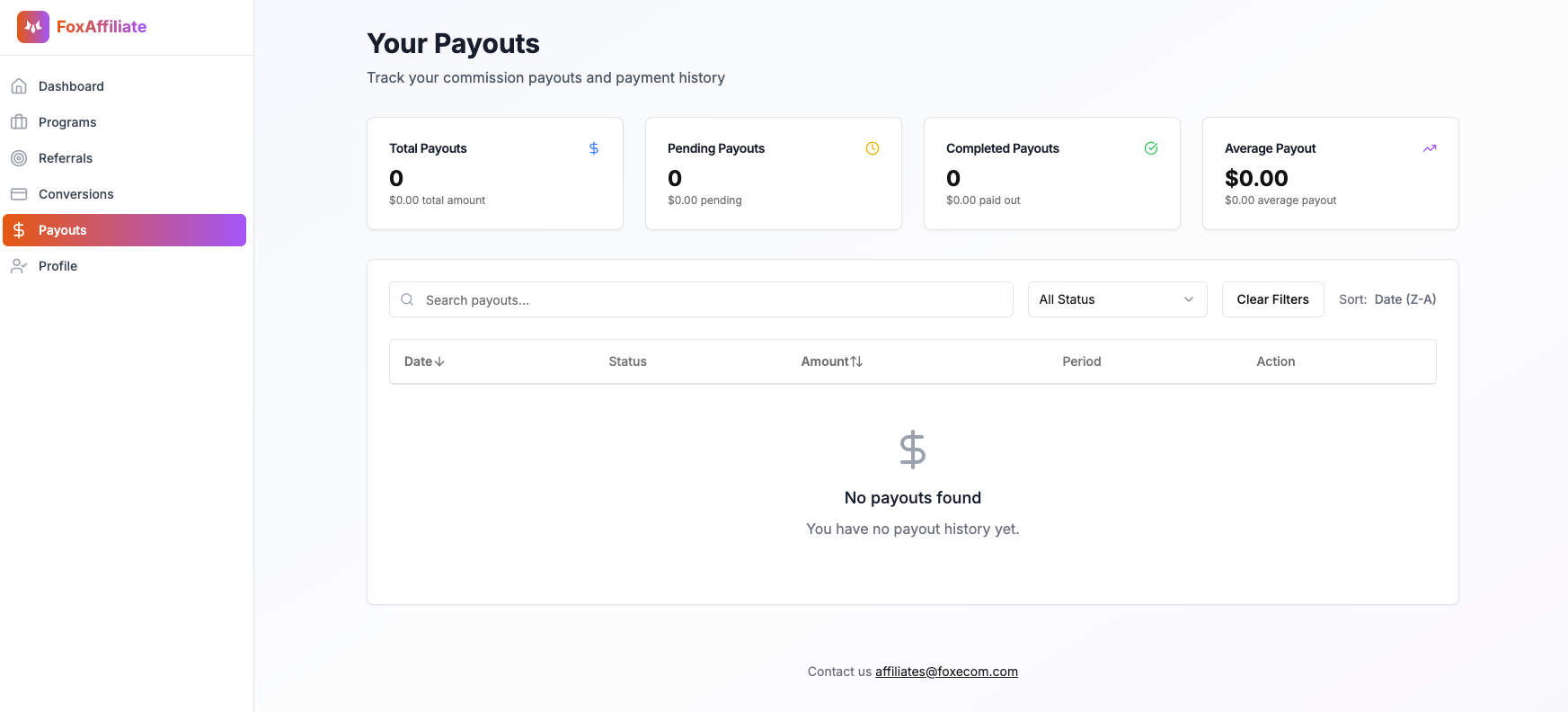
### Key Metrics Displayed:
* Total Payouts: Total number and amount of commissions paid to you within a specific period
* Pending Payouts: Commissions that are approved and waiting to be paid
* Completed Payouts: Payments that have been successfully sent to your PayPal account
* Average Payout: The average amount you’ve received per payout
### Payout Status Breakdown:
* Pending: The commission has been approved and is being prepared for payment
* Completed: The payout has been successfully processed and sent to your PayPal
* Failed: The payout attempt failed due to issues like incorrect PayPal info or technical errors
* Cancelled: The payout was cancelled – typically due to fraudulent behavior, unclear activity, or admin intervention